Wan 3.0 AI Video Generator
Easily create AI videos online with Lanta AI’s Wan 3.0 video generator. Quickly turn text, images, videos, audio, documents, and webpages into videos up to 30 seconds long with native audio and multimodal reference control.
Public model information; generation is not available here.Public model information and examples below are separate from project capabilities and results. Video generation is not available.
Get Inspired by Wan 3.0 on Lanta AI
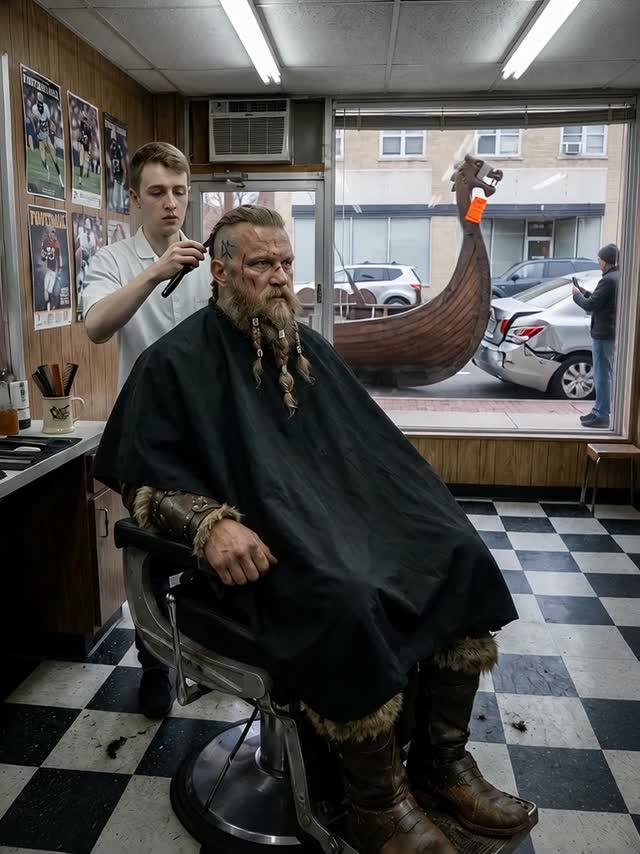

Caveman Celebrates Cereal in a Supermarket
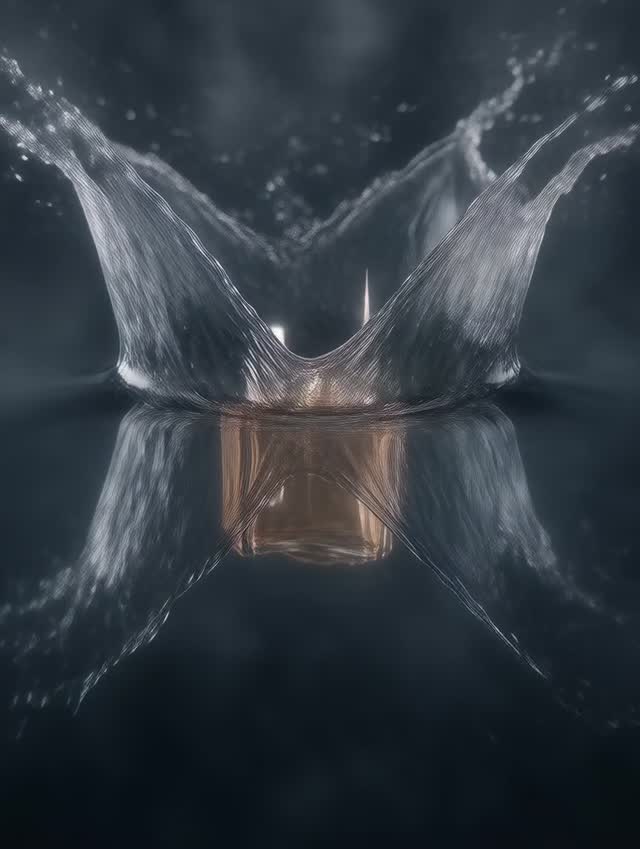
Perfume Bottle Transforms into a Crystal City
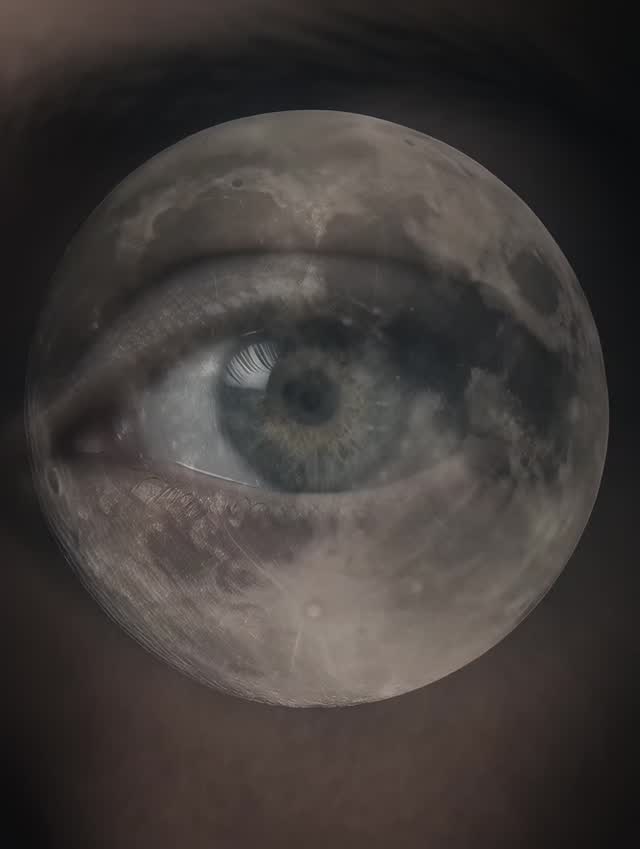
Moon Morphs into an Eye, Coffee, Black Hole, and Vinyl
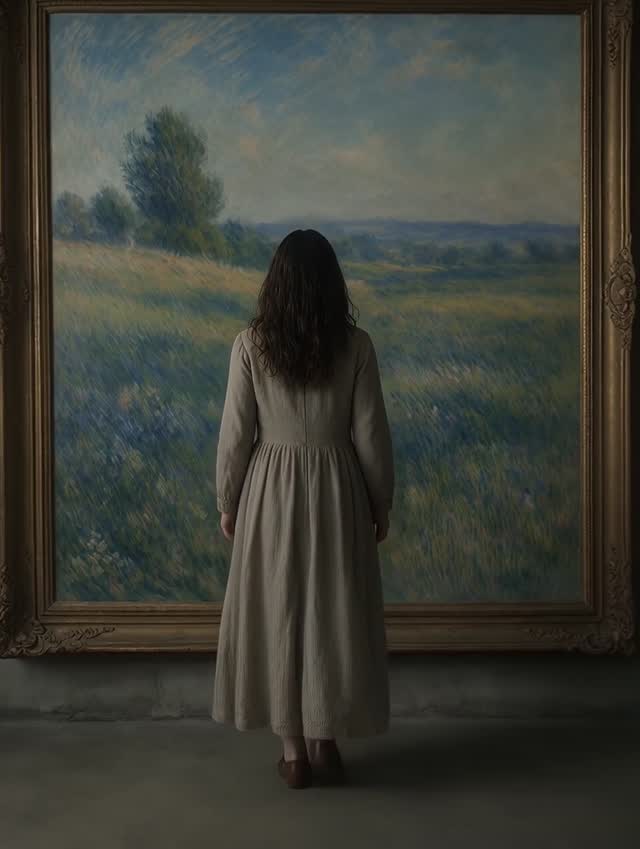
Woman Steps Through a Painting into a Meadow
Explore the Core Capabilities of Wan 3.0
At capture time, the Lanta AI page described the following Wan 3.0 capabilities: Create more complete AI videos with Wan 3.0. Use text, images, videos, audio, documents, and webpages as references, generate up to 30 seconds with native audio, and keep characters, products, scenes, and motion under greater control from start to finish. These external capabilities are not verified or connected here.
1. All-in-One Generation
Wan 3.0 uses one model for text-to-video, image-to-video, first-and-last-frame, and reference-to-video generation, reducing model switching and making the entire video creation workflow faster and simpler.
2. Omni-Reference
Wan 3.0 can use text, images, videos, audio, files, and webpages as creative references, giving the model more complete context to generate videos that better match your characters, products, style, and ideas.
3. Document-to-Video
Wan 3.0 can understand presentations, documents, and business materials and turn their content directly into videos, reducing the work of manually extracting information, writing scripts, and rebuilding prompts.
4. Native 30s Generation
Wan 3.0 can generate videos up to 30 seconds long in a single run, making it easier to create complete ads, stories, and multi-stage scenes without stitching together multiple short clips.
5. Native Audio
Wan 3.0 generates visuals and audio together, helping dialogue, ambience, music, and sound effects better match the scene while reducing separate audio generation and post-production work.
6. Multi-Reference Control
Wan 3.0 lets you assign different references to characters, products, motion, audio, and other elements, giving you more precise control over what appears, how it moves, and how the final video should look.
7. 20K Creative Brief
Wan 3.0 supports highly detailed prompts and creative briefs, allowing you to define scenes, actions, camera movements, audio, transitions, and storytelling more precisely for complex video projects.
8. Adaptive Creation
Wan 3.0 can automatically choose a suitable video duration and aspect ratio based on your content and references, reducing setup decisions and making video generation easier for different formats and platforms.
Comparison: Wan 2.2 vs. Wan 2.5 vs. Wan 2.7 vs. Wan 3.0
| Capability | Wan 2.2 | Wan 2.5 | Wan 2.7 | Wan 3.0 |
|---|---|---|---|---|
| Model Positioning | Open video foundation | Audio-visual generation | Controlled cinematic generation | All-in-One multimodal creation |
| Text → Video | ✅ | ✅ | ✅ | ✅ |
| Image → Video | ✅ | ✅ | ✅ | ✅ |
| First Frame | ✅ | ✅ | ✅ | ✅ |
| First + Last Frame | ✅ Separate model | — | ✅ | ✅ |
| Reference → Video | Dedicated model / later capability | — | ✅ | ✅ Unified |
| Document → Video | ❌ | ❌ | ❌ | ✅ |
| Video Editing | Basic generation control | Improved prompt control | Strong reference & video control | Unified multimodal control |
| Native Audio | ❌ Core T2V / I2V are silent | ✅ | ✅ | ✅ Enabled by default |
| Video Duration | 5s | 10s | 15s | 30s |
| Resolution | 1080P | 1080P | 1080P | 1080P |
| Frame Rate | 30fps | 30fps | 30fps | 30fps |
| Key Innovation | MoE + cinematic quality | Native Audio | Multishot + R2V + control | All-in-One + Omni-Reference + 30s + Documents |
Key Features of Wan 3.0
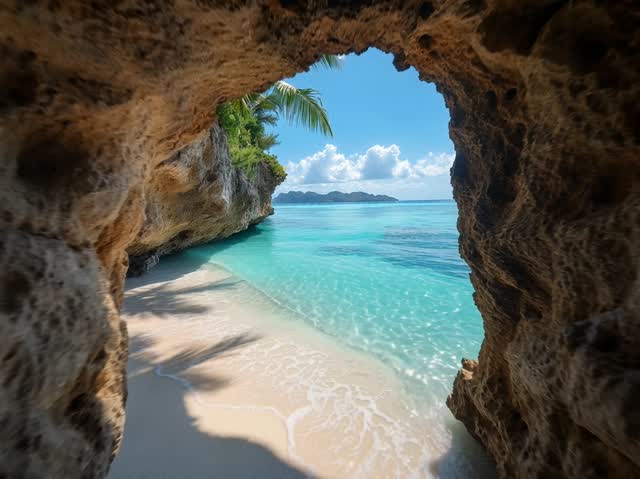
Precise Video Creation with First and Last Frame Control
The Lanta AI reference page stated at capture time: Experience more accurate scene direction with the Wan 3.0 AI video generator described there, which supports precise first and last frame control. Simply upload one image as the opening frame and another as the ending frame, and Wan 3.0 will generate the motion, transition, and visual development between them. This makes it easier to create intro and outro sequences, product reveals, transformation videos, and short story moments with clearer creative control. This project has not verified these service claims and does not provide this generation service.
Explore Generator Settings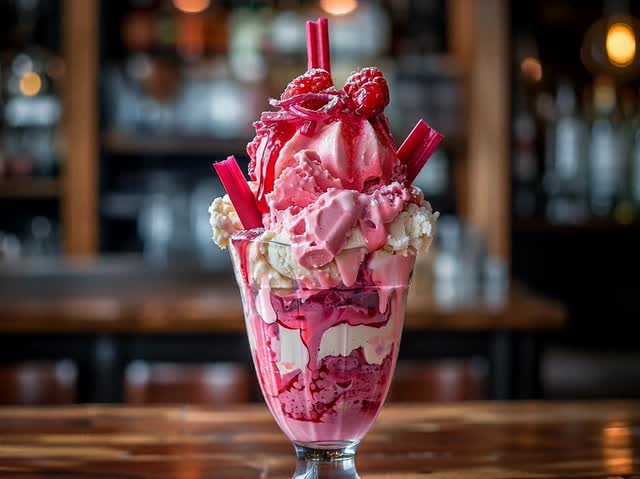
Control Characters, Products, and Motion with Multiple References
The Lanta AI reference page stated at capture time: More than generating from a single prompt or image, the Wan 3.0 AI video generator described there lets you use multiple references to guide different parts of the video. You can provide separate images, videos, or audio references for characters, products, actions, scenes, and sounds, then describe how they should work together. This helps you build more controlled videos where the right subject, object, motion, and atmosphere appear in the right place. This project has not verified these service claims and does not provide this generation service.
Explore Generator Settings
Create More Natural Facial Expressions and Human Performance
The Lanta AI reference page stated at capture time: The Wan 3.0 AI video generator described there can produce more lifelike facial expressions and more natural human performance in motion. Instead of relying on only basic mouth or head movement, it better captures subtle expressions, emotion changes, and the coordination between facial movement and body language. This helps character scenes feel more expressive, realistic, and engaging, especially in close-ups, dialogue scenes, and performance-driven videos. This project has not verified these service claims and does not provide this generation service.
Explore Generator Settings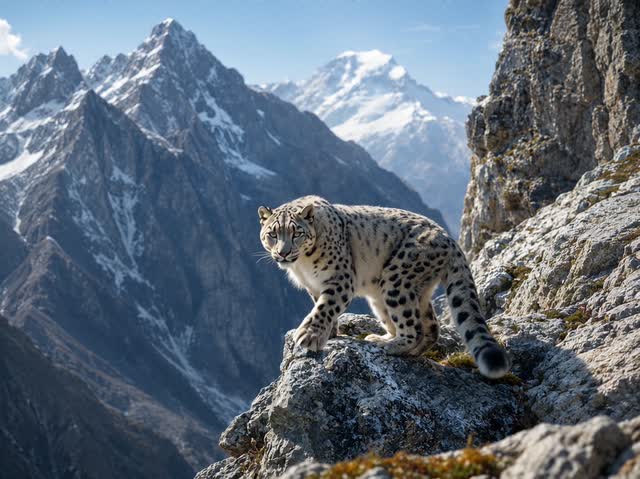
Generate 30-Second Videos Without Stitching Short Clips
With Wan 3.0, you can create videos up to 30 seconds long in a single generation. This gives you more room for product storytelling, scene progression, character interaction, and longer camera movement without building the result from multiple short clips. By reducing the need for extension, stitching, and transition repair, it becomes much easier to produce cleaner and more complete short-form videos.
Explore Generator Settings
Edit Videos Without Starting from Scratch
Wan 3.0 makes revisions easier by supporting more flexible video editing after generation. Instead of remaking the whole clip every time, you can refine visual details, story direction, or dialogue more efficiently based on what needs to change. This is especially useful when improving a draft, adjusting a client-facing video, or testing different creative directions without losing the overall structure of the original result.
Explore Generator SettingsAdvantages of Wan 3.0 Video
At capture time, the Lanta AI page described the following Wan 3.0 capabilities: Wan 3.0 combines flexible starting points, multimodal references, native audio, and adjustable output settings in one creation workflow. These external capabilities are not verified or connected here.
Extensive Multimodal Inputs
Use text, images, videos, audio, documents, slides, spreadsheets, and webpages as references to give Wan 3.0 more context for video creation.
Longer 30-Second Videos
Generate videos up to 30 seconds long in one run, reducing the need to create, extend, and stitch multiple short clips together.
Strong Video Generation Quality
Built on the proven Wan video generation series, Wan 3.0 delivers high-quality visuals, natural motion, and reliable results for more demanding video projects.
Competitive Quality at Lower Cost
Create high-quality AI videos at a competitive generation cost, making Wan 3.0 practical for frequent content creation, advertising, and production workflows.
Made for Real Video Production
Combine creative briefs, product images, brand materials, reference videos, audio, and documents to create videos for ads, e-commerce, marketing, education, and business content.
More Precise Reference Control
Use multiple references to guide characters, products, motion, scenes, and audio, giving you greater control over how each element appears in the final video.
How to Use Wan 3.0 AI Video Generator?
The Lanta AI reference page stated at capture time: Choose your starting mode, add a prompt and optional references, then select the output settings and generate your Wan 3.0 video. This project has not verified these service claims and does not provide this generation service.
01
Step 1. Input Prompts or References
The Lanta AI reference page stated at capture time: Type a simple text prompt to describe your video, or upload reference images to guide Wan 3.0 for generation. This project has not verified these service claims and does not provide this generation service.
02
Step 2. Customize Your Settings
The Lanta AI reference page stated at capture time: Select Wan 3.0 as your AI video model, then adjust the video duration, aspect ratio, and quality for your desired output. This project has not verified these service claims and does not provide this generation service.
03
Step 3. Generate and Export
The Lanta AI reference page stated at capture time: Click "Generate" to create your AI video. Preview the result in your generation history, then download it or try again with different prompts and settings. This project has not verified these service claims and does not provide this generation service.
Explore Wan models
Compare Wan video workflows and explore Wan FusionX as a related option.

Compare other video models
Explore related workflows and choose a model that fits your next video.



Wan 3.0 FAQ
1. How do I create a video with Wan 3.0?
The Lanta AI reference page stated at capture time: Enter a text prompt or upload an image or reference, then select Wan 3.0 AI video generator on Lanta AI. Set the duration, resolution, and aspect ratio, then click Generate. Once your video is ready, preview and download it, or adjust your prompt and settings to create another version. This project has not verified these service claims and does not provide this generation service.
2. Can I use Wan 3.0 AI Video for free?
The Lanta AI reference page stated at capture time: Yes. New users on Lanta AI receive 40 free credits to try the Wan 3.0 AI video model. Each generation uses credits based on settings such as video length and quality, so the free credits are designed for testing the model rather than unlimited generation. This project has not verified these service claims and does not provide this generation service.
3. What can I use as references in Wan 3.0?
The Lanta AI reference page stated at capture time: The Wan 3.0 AI video generator supports up to 10 reference images, 5 reference videos, and 5 audio files. You can also use documents and public webpages, including PDF, Word, PowerPoint, Excel, TXT, Markdown, Keynote, Pages, and Numbers files, giving the model more context for characters, products, motion, sound, and content. This project has not verified these service claims and does not provide this generation service.
4. Can Wan 3.0 create videos from images?
The Lanta AI reference page stated at capture time: Yes. The Wan 3.0 AI video generator supports image-to-video, first-frame, and first-and-last-frame generation. Use a first frame to control how your video starts, add a last frame to define how it ends, or use reference images to guide characters, products, objects, and other visual details. This project has not verified these service claims and does not provide this generation service.
5. How long can a Wan 3.0 AI video be?
The Lanta AI reference page stated at capture time: A Wan 3.0 AI video can be generated from 2 to 30 seconds in a single run when no reference video is used. You can choose any integer duration within that range or use Smart Duration to let the model select a suitable length automatically. This project has not verified these service claims and does not provide this generation service.
6. Does Wan 3.0 AI Video generate audio?
The Lanta AI reference page stated at capture time: Yes. Native audio is enabled by default in the Wan 3.0 AI video generator, allowing visuals and sound to be created together. You can describe dialogue, environmental sounds, sound effects, and music in your prompt, or provide reference audio for additional guidance. This project has not verified these service claims and does not provide this generation service.
7. What quality and aspect ratios does Wan 3.0 support?
The Lanta AI reference page stated at capture time: The Wan 3.0 AI video generator supports 480P, 720P, and 1080P output, with aspect ratios including 16:9, 9:16, 1:1, 4:3, and 3:4. Adaptive mode can also choose a suitable ratio based on your input and creative intent. Native 4K output is not currently listed in the official specifications. This project has not verified these service claims and does not provide this generation service.
8. How do I get better results from Wan 3.0?
For a better Wan 3.0 AI video, clearly describe the subject, action, setting, camera movement, timing, and sound instead of relying on broad style words. For longer videos, organize your prompt into timed shots, and when using multiple references, specify which image or video controls each character, product, action, or scene.
9. Can I use Wan 3.0 videos commercially?
The Lanta AI reference page stated at capture time: Yes, but commercial usage depends on your Lanta AI plan and the source materials you use with the Wan 3.0 AI video generator. Lanta AI paid plans that include a Commercial License can be used for commercial projects, while you remain responsible for the rights to uploaded images, music, logos, characters, products, and identifiable people. This project has not verified these service claims and does not provide this generation service. This project does not grant a commercial license; check the relevant provider terms and source-material rights.
10. How fast does the Wan 3.0 AI video generator create a video?
The Lanta AI reference page stated at capture time: The Wan 3.0 AI video generator typically needs several minutes to complete a generation. Alibaba’s official documentation states that a task usually takes around 1–5 minutes, although actual processing time can vary with video duration, resolution, reference materials, and current server demand. This project has not verified these service claims and does not provide this generation service.
Explore Wan 3.0 Workflows
Browse public examples and model settings. Generation is not available yet.
Explore Video Settings