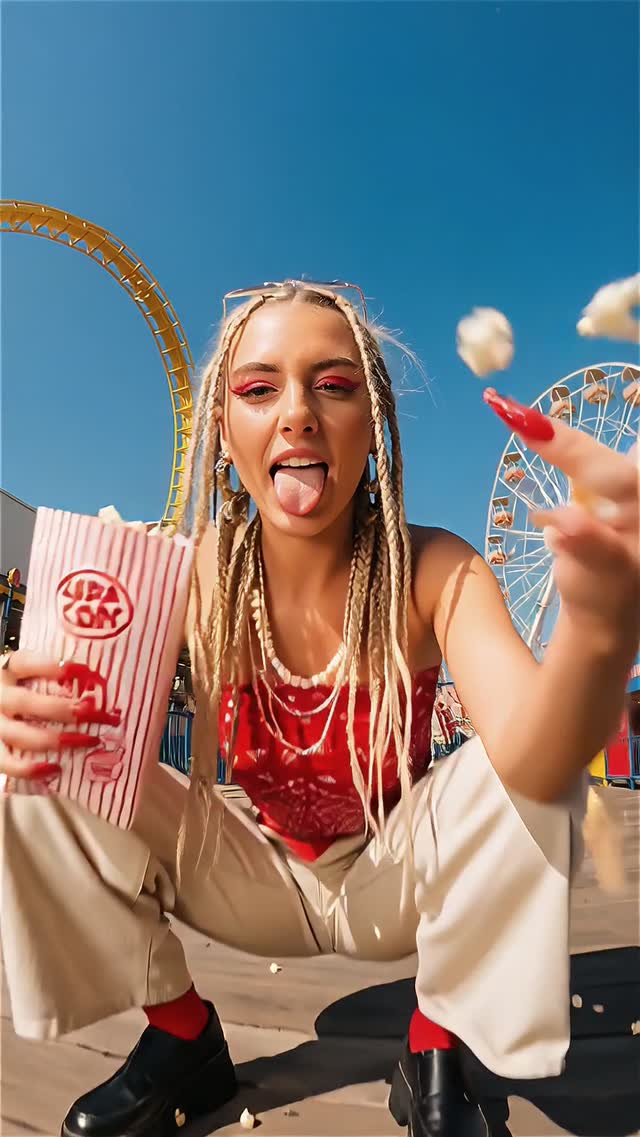
Amusement Park Popcorn Selfie
Wan 2.5 AI Video Generator
Wan 2.5, an Alibaba Wan video model, is now available on Lanta AI. Turn text, images, and audio into cinematic videos with synchronized sound, natural motion, and precise lip sync. Effortlessly bring characters and scenes to life for talking videos, music performances, product promotion, or social media content.
Public model information; generation is not available here.Public model information and examples below are separate from project capabilities and results. Video generation is not available.
Get Inspired by Wan 2.5 on Lanta AI
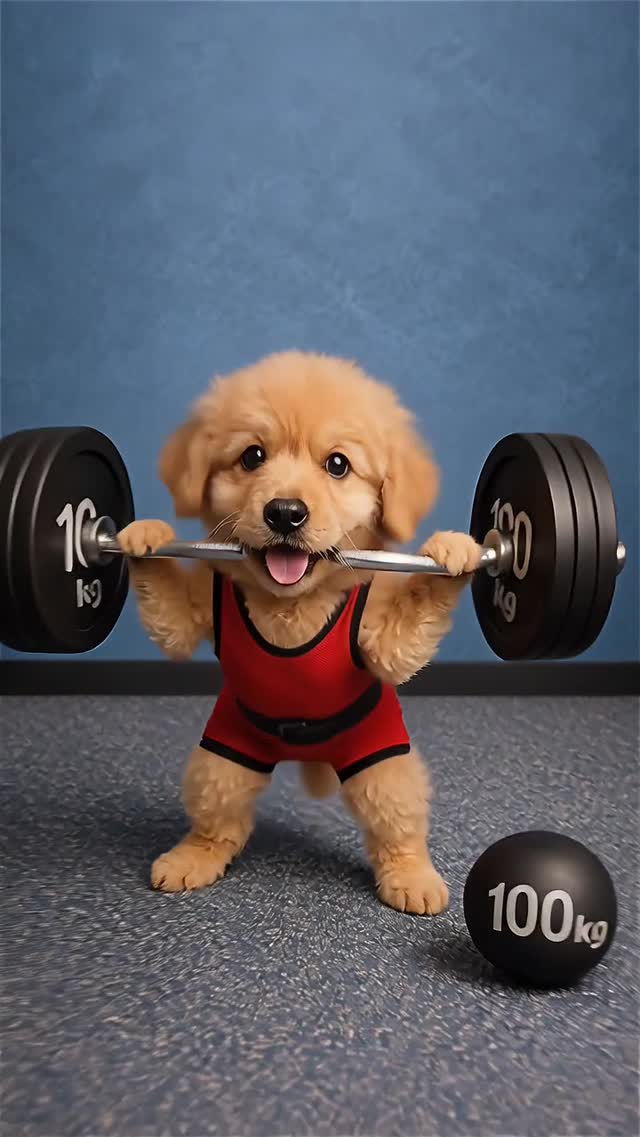
Puppy Weightlifting
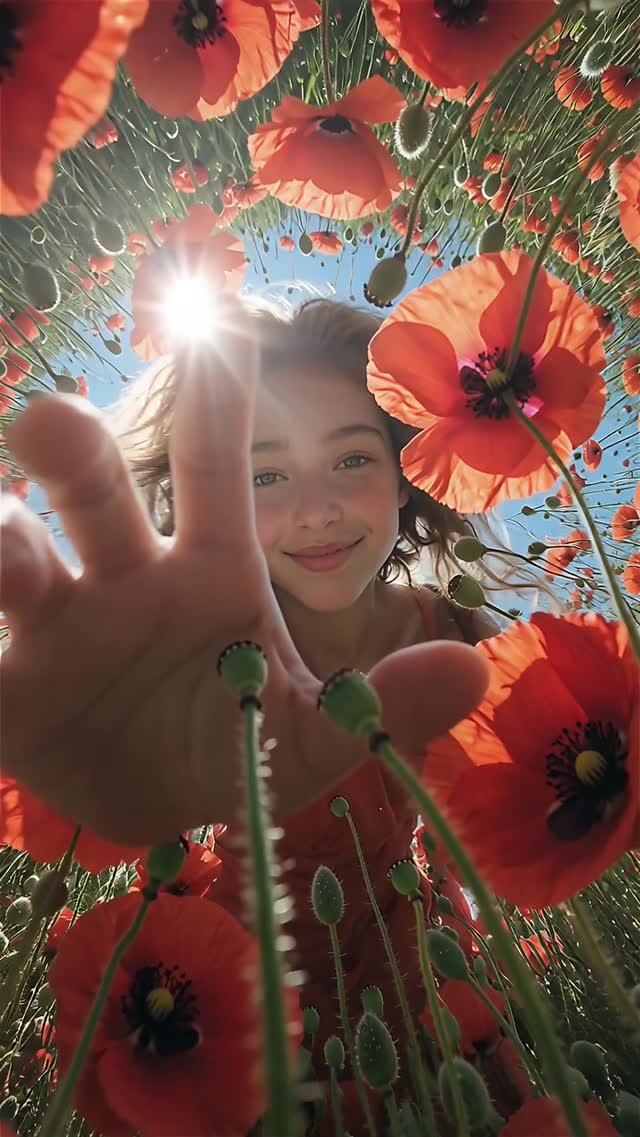
Poppy Garden Portrait
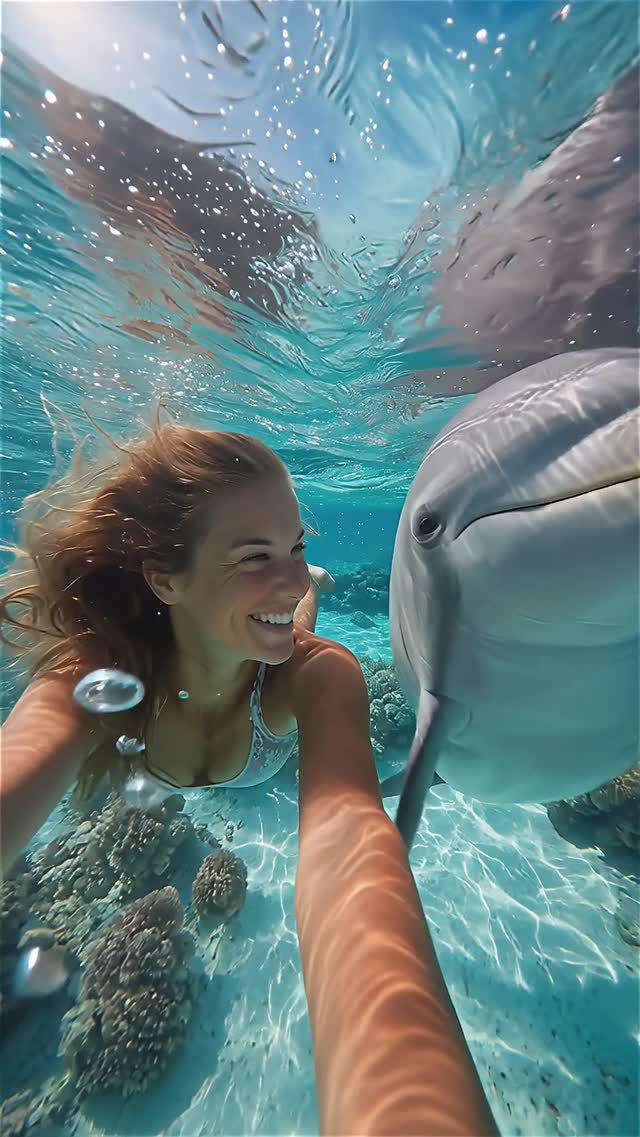
Underwater Dolphin Selfie
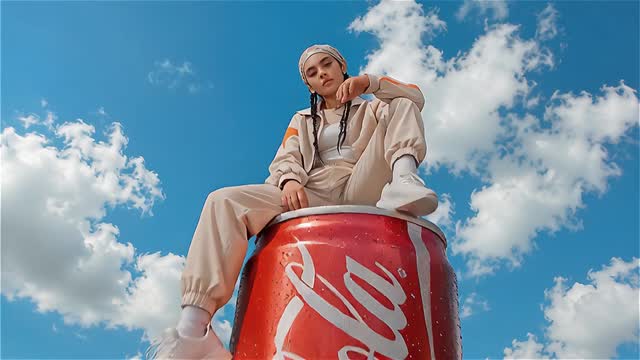
Streetwear on a Giant Soda Can
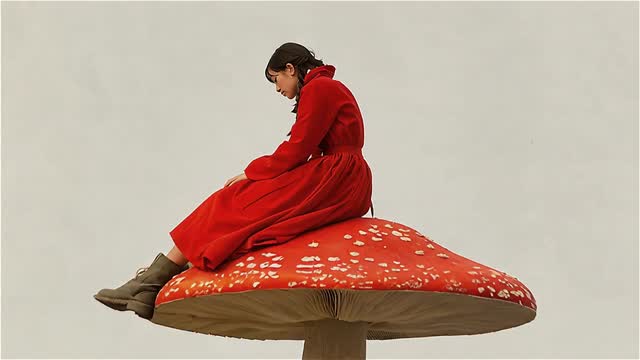
Woman Riding a Giant Mushroom
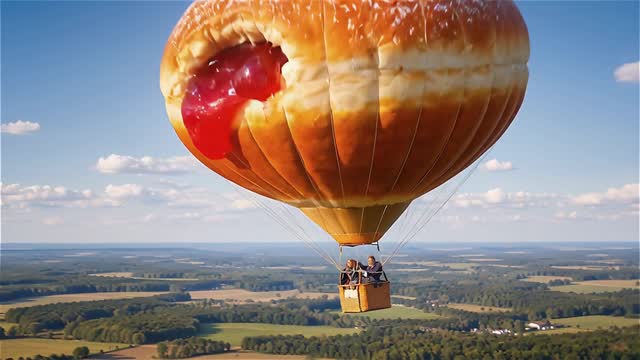
Floating Pastry Hot Air Balloon
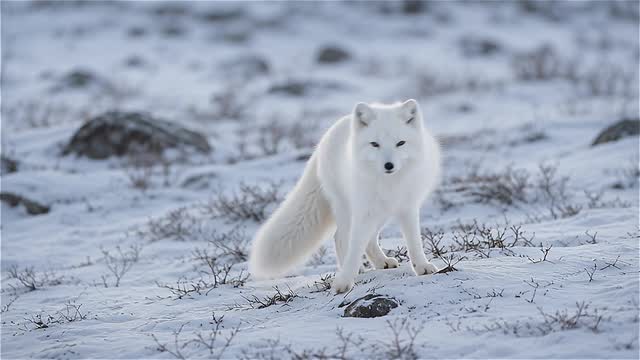
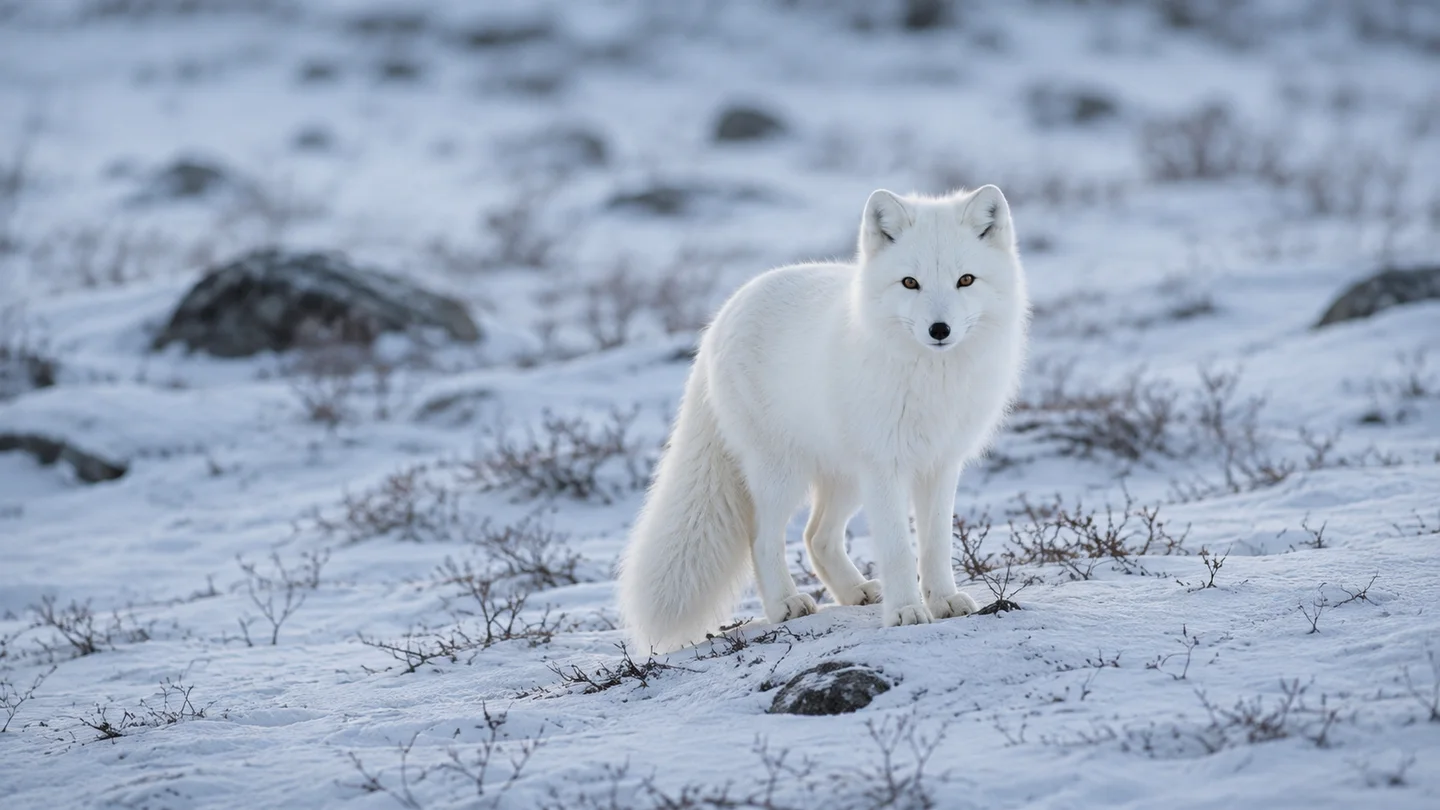
Arctic Fox in Snow
What Makes Wan 2.5 Different
Wan 2.5 goes beyond basic video generation with native audio, audio-driven performance, automatic sound, precise lip sync, and better visual consistency, giving you more control from prompt to final video.
1. Native Audio-Video Generation
Wan 2.5 generates video and synchronized audio together, combining visuals, dialogue, music, ambience, and sound effects in one process to reduce separate audio generation and post-production work.
2. Audio-Driven Video
Wan 2.5 can use uploaded voice, dialogue, music, or other audio to drive character performance, helping movements and lip sync follow the sound for more natural talking, singing, and music videos.
3. Native Lip Sync
Wan 2.5 synchronizes character lip movements with speech and singing, making dialogue and performances feel more natural without requiring a separate lip-sync tool or additional editing.
4. Automatic Sound Generation
Wan 2.5 can automatically create voices, ambient sound, music, and sound effects that match the scene, helping creators produce more complete videos without manually finding and layering audio tracks.
5. Prompt-Controlled Dialogue & Sound
Wan 2.5 lets you describe dialogue, speaking style, music, ambience, and sound effects directly in the prompt, giving you more control over both how a scene looks and how it sounds.
6. Stronger Instruction Following
Wan 2.5 follows detailed instructions for actions, camera movement, dialogue, sound, and composition more accurately, helping creators get closer to the intended result with fewer generations and prompt revisions.
7. Stronger Image-to-Video Consistency
Wan 2.5 animates images while better preserving character appearance, composition, lighting, and visual identity, making it easier to add natural motion without losing important details from the original image.
8. 1080P + 10s + 30fps Synchronized Video
Wan 2.5 generates synchronized videos up to 1080P, 10 seconds, and 30fps, providing smoother, longer, higher-quality clips that are more practical for ads, social media, and character content.
Comparison: Wan 2.2 vs. Wan 2.5 vs. Wan 2.7 vs. Wan 3.0
| Capability | Wan 2.2 | Wan 2.5 | Wan 2.7 | Wan 3.0 |
|---|---|---|---|---|
| Model Positioning | Open video foundation | Audio-visual generation | Controlled cinematic generation | All-in-One multimodal creation |
| Text → Video | ✅ | ✅ | ✅ | ✅ |
| Image → Video | ✅ | ✅ | ✅ | ✅ |
| First Frame | ✅ | ✅ | ✅ | ✅ |
| First + Last Frame | ✅ Separate model | — | ✅ | ✅ |
| Reference → Video | Dedicated model / later capability | — | ✅ | ✅ Unified |
| Document → Video | ❌ | ❌ | ❌ | ✅ |
| Video Editing | Basic generation control | Improved prompt control | Strong reference & video control | Unified multimodal control |
| Native Audio | ❌ Core T2V / I2V are silent | ✅ | ✅ | ✅ Enabled by default |
| Video Duration | 5s | 10s | 15s | 30s |
| Resolution | 1080P | 1080P | 1080P | 1080P |
| Frame Rate | 30fps | 30fps | 30fps | 30fps |
| Key Innovation | MoE + cinematic quality | Native Audio | Multishot + R2V + control | All-in-One + Omni-Reference + 30s + Documents |
Key Features of Wan 2.5
Turn Photos into Talking or Singing Videos with Precise Lip Sync
With Wan 2.5 image-to-video generation, users can turn a single character image into a speaking or singing video with mouth movements synchronized to the audio. This makes it easier to create AI presenters, singing characters, virtual avatars, and dialogue scenes without using a separate lip-sync tool or manually matching speech in post-production.
Explore Generator Settings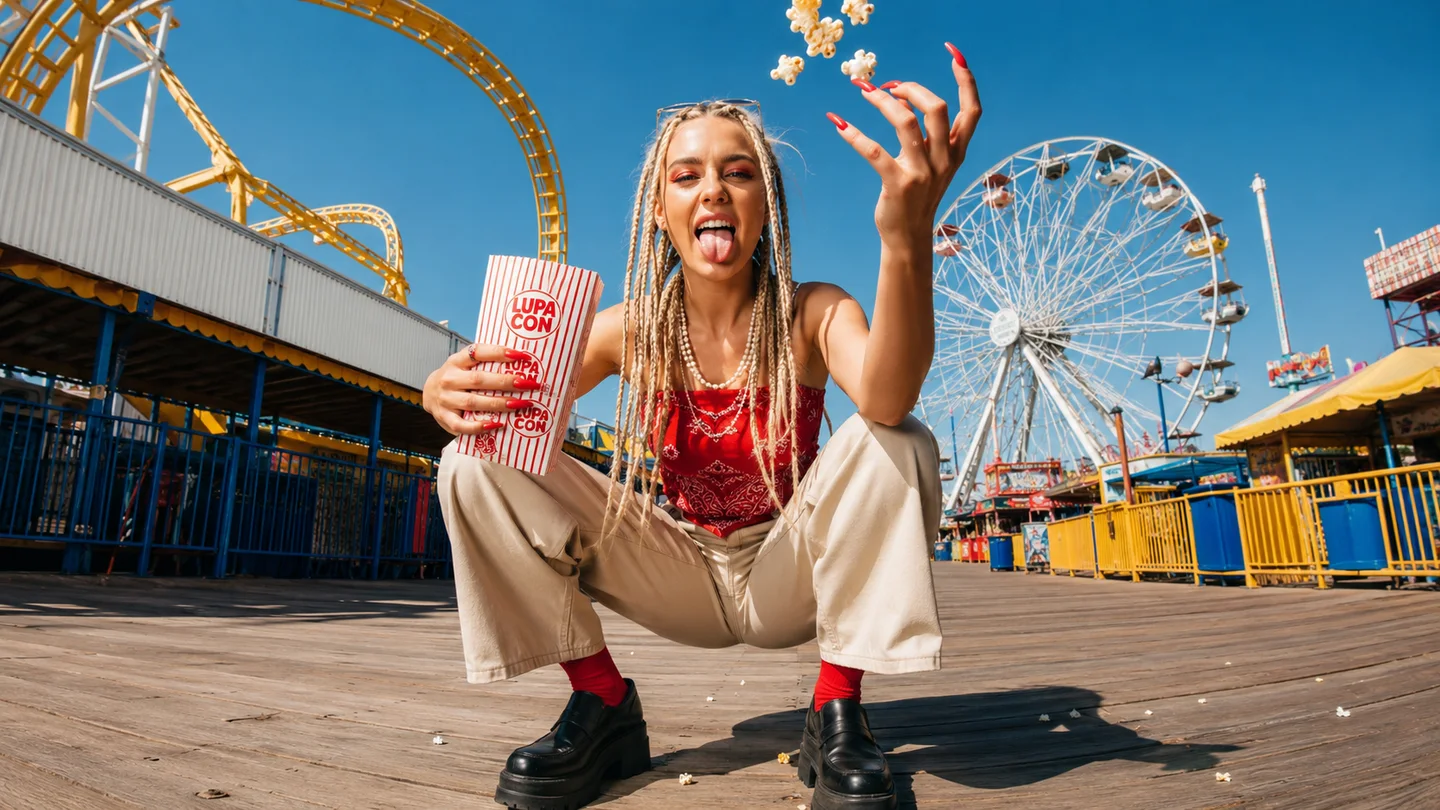
Create More Stable Motion in Focused Single-Shot Scenes
Wan 2.5 performs particularly well when a scene has one clear subject, a defined composition, and one or two primary movements, helping faces, poses, and scene structure remain more stable from frame to frame. This makes it well suited for product shots, character close-ups, conversations, portrait animation, and short cinematic moments where consistency matters more than complex multi-scene action.
Explore Generator Settings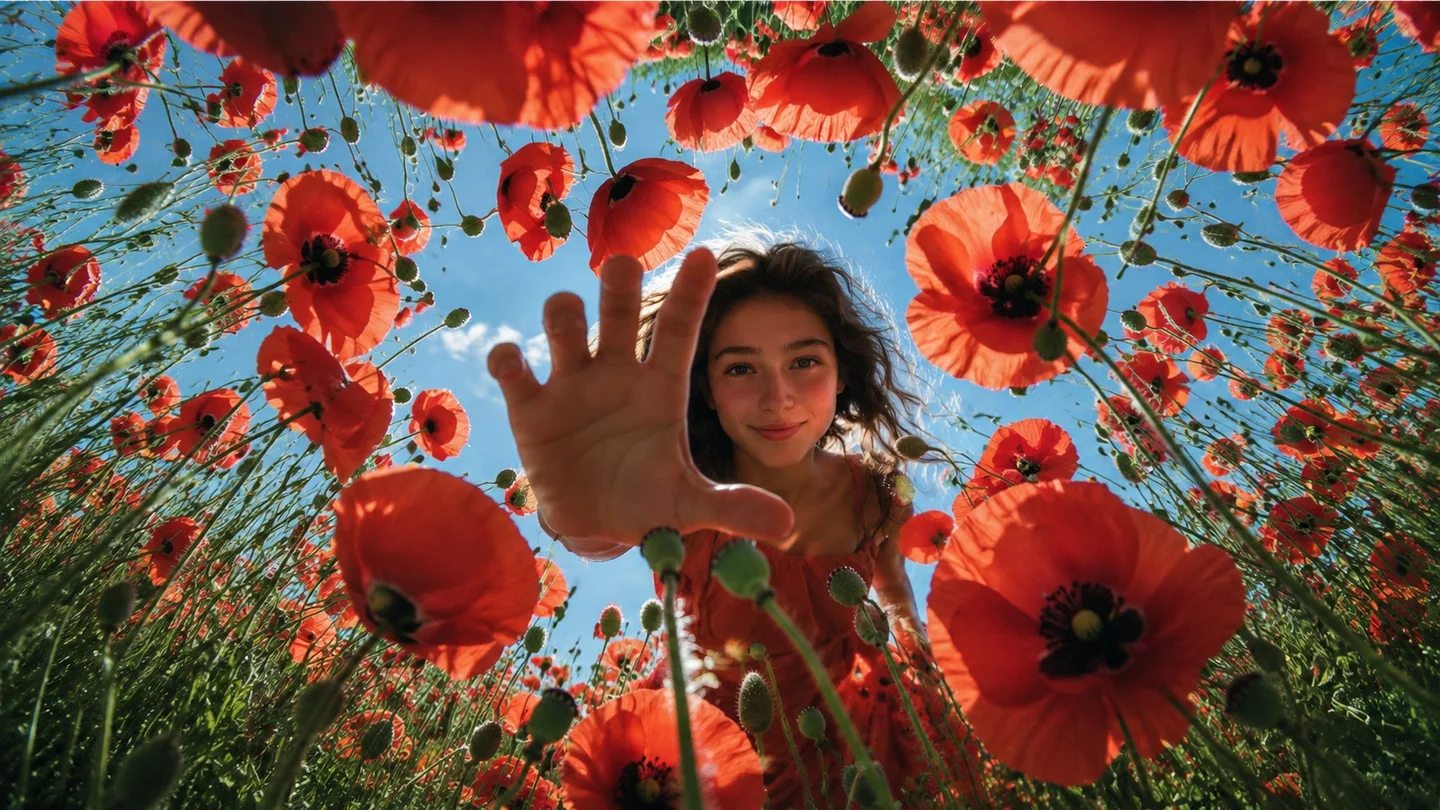
Keep Character Details Stable When Animating Images
Wan 2.5 image-to-video generation is designed to preserve the subject’s appearance, framing, lighting, perspective, and overall composition while adding movement. This helps creators animate portraits, anime characters, mascots, products, or artwork without unnecessarily changing the visual identity of the original image, making the result more usable for branded and character-focused videos.
Explore Generator Settings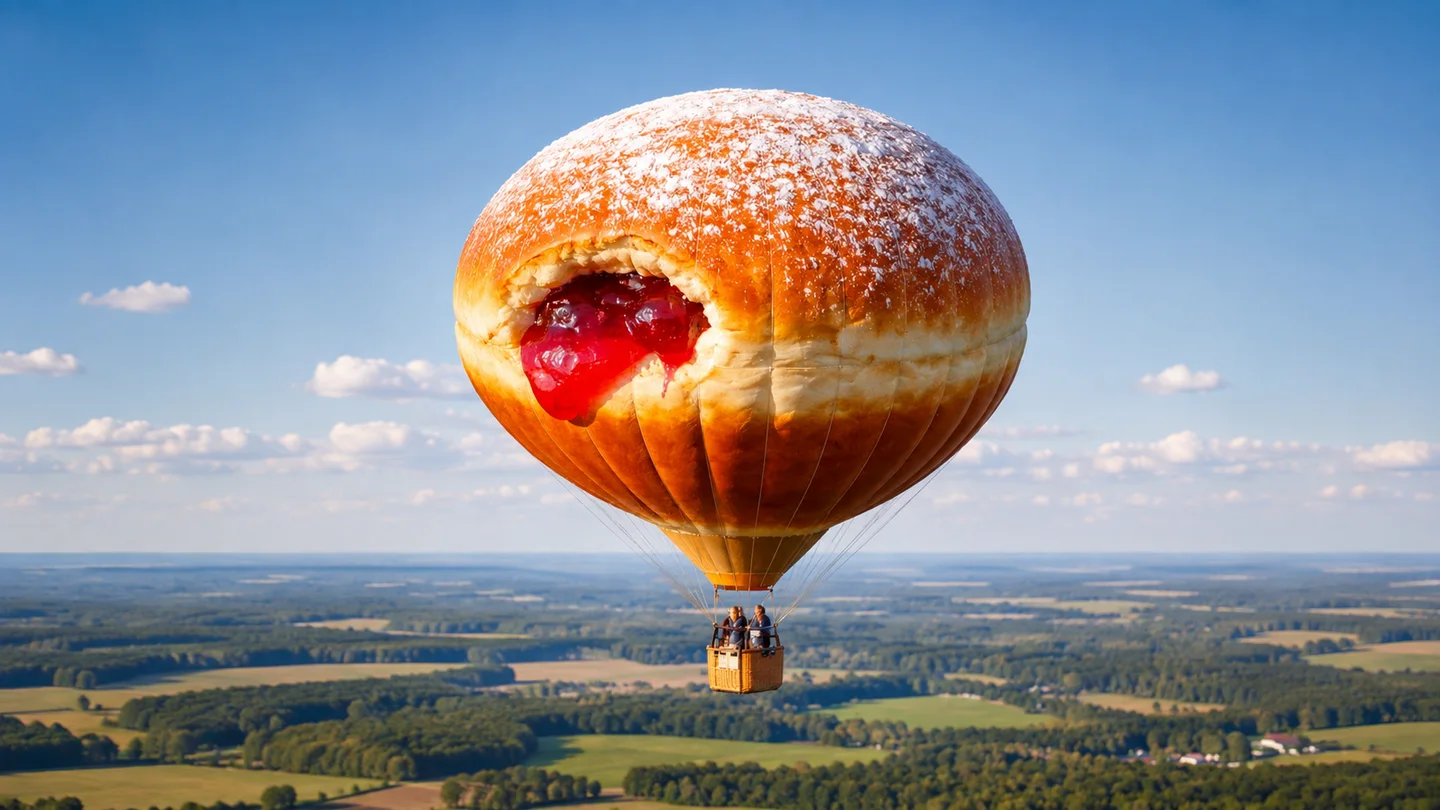
Generate Dialogue, Music, Ambience, and Sound Effects Together
Wan 2.5 can automatically generate voices, background music, environmental ambience, and sound effects based on what happens in the scene. A talking character can receive matching speech, while streets, weather, or other environments can receive contextual sound, reducing the need to search for separate audio assets and manually build a soundtrack after the video is generated.
Explore Generator Settings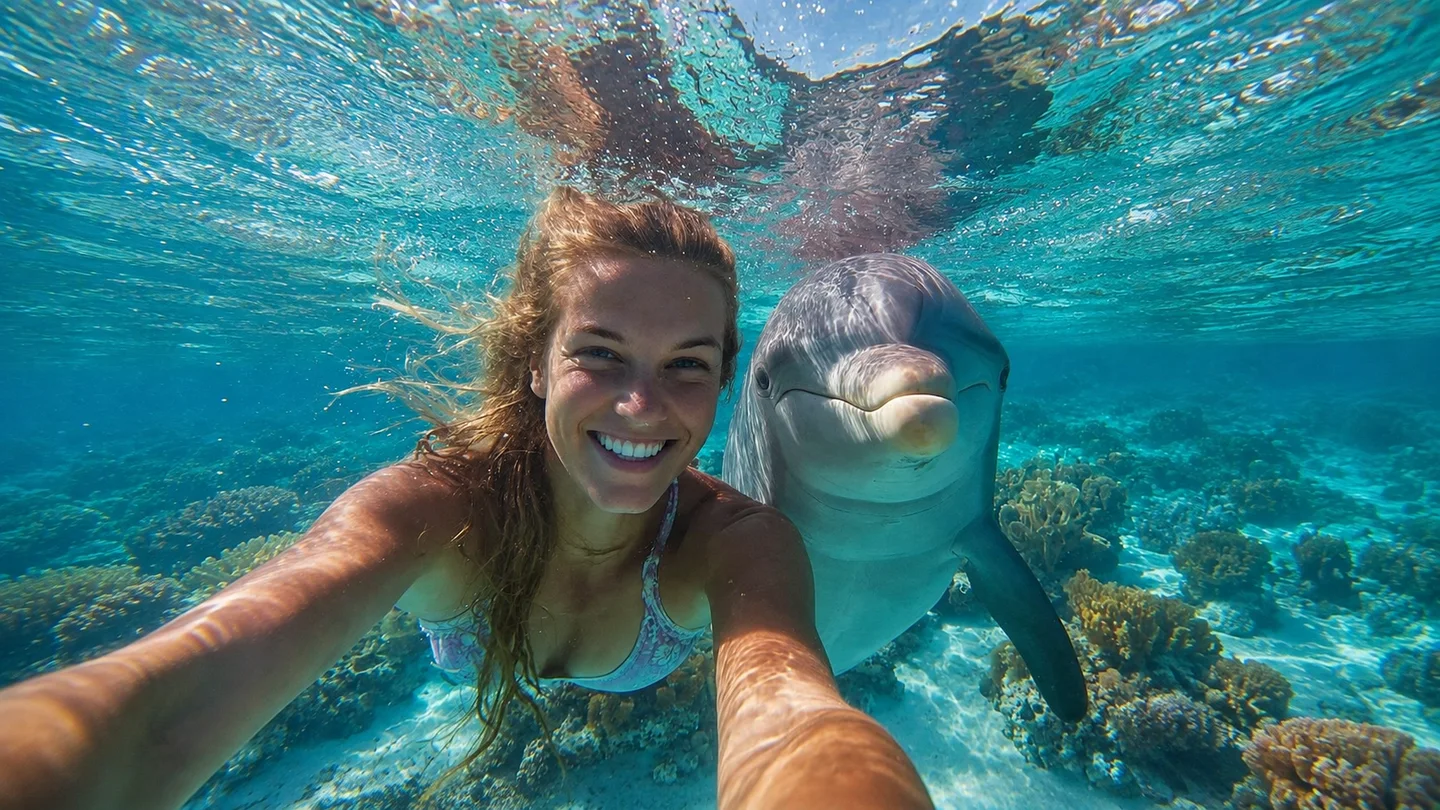
Create 10-Second 1080P Videos with Synchronized Sound
Wan 2.5 supports video generation up to 10 seconds, 1080P, and 30fps, with synchronized audio available for both text-to-video and image-to-video workflows. The longer duration and high-resolution output give creators more room for complete actions, dialogue, product moments, and social media scenes without having to assemble several very short generations.
Explore Generator SettingsPros of Wan 2.5 Video
Wan 2.5 combines flexible text and image generation with synchronized audio, stronger motion control, and high-resolution output for complete short-form video creation.
Text & Image to Video
Create videos from a written prompt or animate a still image while controlling the subject, action, visual style, and camera movement you want.
Synchronized Audio
Generate dialogue, ambient sound, music, and sound effects together with the visuals so key sounds follow what happens on screen more naturally.
Audio-Driven Performance
Use voice, dialogue, songs, or music to guide lip movement and character performance, making talking, singing, and music-driven videos easier to create.
5- and 10-Second Clips
Choose a 5- or 10-second duration for quick concepts, character performances, product moments, ads, and social media content without stitching multiple clips together.
Output up to 1080P
Generate videos in 480P, 720P, or up to 1080P depending on whether you are testing an idea or preparing a sharper final video for publishing.
Multiple Aspect Ratios
Create square 1:1, vertical 9:16, widescreen 16:9, and other supported formats for TikTok, Reels, Shorts, ads, presentations, and social platforms.
How to Use Wan 2.5 Video on Lanta AI
The Lanta AI reference page stated at capture time: Create a Wan 2.5 AI video on Lanta AI in three simple steps. Add your prompt or image, choose your video settings, then generate a synchronized short video ready to preview and use. This project has not verified these service claims and does not provide this generation service.
01
Step 1: Add Your Image or Prompt
The Lanta AI reference page stated at capture time: Write a prompt describing the subject, action, camera movement, mood, dialogue, or sound you want, or upload a source image to turn it into a video. This project has not verified these service claims and does not provide this generation service.
02
Step 2: Select Wan 2.5
The Lanta AI reference page stated at capture time: Choose Wan 2.5, then set your preferred 5- or 10-second duration, aspect ratio, resolution, and other available generation settings. This project has not verified these service claims and does not provide this generation service.
03
Step 3: Generate and Download
The Lanta AI reference page stated at capture time: Click Generate and let Wan 2.5 create your video. Preview the completed result, then download it for social media, advertising, character content, or your next project. This project has not verified these service claims and does not provide this generation service.
Explore Wan models
Compare Wan video workflows and explore Wan FusionX as a related option.

Frequently Asked Questions About Wan 2.5
Is Wan 2.5 AI video generator free to use?
The Lanta AI reference page stated at capture time: Yes. You can try Wan 2.5 on Lanta AI with free credits before paying for more generations. New Lanta AI users receive 40 credits to get started, so you can test prompts, image-to-video results, motion, and audio before upgrading. Wan 2.5 is not an unlimited free model, so longer videos and higher-resolution generations require more credits. This project has not verified these service claims and does not provide this generation service.
Is Wan 2.5 open source?
The Lanta AI reference page stated at capture time: No. Wan 2.5 has not been officially released with downloadable open-source model weights. Unlike Wan 2.2, which has an open-source version available for local deployment, Wan 2.5 is currently provided mainly through cloud-based services. On Lanta AI, you can use Wan 2.5 AI video directly online without downloading models. This records that page’s position at capture time, not a current official release or a capability verified by this project. Generation is not connected here.
Can I run Wan 2.5 locally?
The Lanta AI reference page stated at capture time: Not as a fully local model. Wan 2.5's official model weights are not publicly available, so it cannot currently be downloaded and run completely offline like Wan 2.2. Some tools expose Wan 2.5 through API-based nodes, but the generation still happens in the cloud. Lanta AI removes this setup work by letting you access Wan 2.5 directly from your browser. This records that page’s position at capture time, not a current official release or a capability verified by this project. Generation is not connected here.
How do I use Wan 2.5 AI Video Generator?
The Lanta AI reference page stated at capture time: Choose Wan 2.5 in Lanta AI, then start with either a text prompt or an image. For text-to-video, describe the subject, scene, action, camera movement, visual style, and sound you want. For image-to-video, upload your starting image and focus mainly on what should move and how the camera should move. Then choose your video settings and generate your clip. This project has not verified these service claims and does not provide this generation service.
Does Wan 2.5 support image-to-video generation?
Yes. Wan 2.5 supports both text-to-video and image-to-video generation. Upload an image to Lanta AI and describe the motion you want, such as a character turning toward the camera, hair moving in the wind, fabric reacting naturally, or the camera slowly pushing forward. Because the image already defines the subject, composition, and style, shorter motion-focused prompts usually work better than describing the entire image again.
Does Wan 2.5 generate audio and lip sync?
Yes. Wan 2.5 can generate synchronized video and audio, including dialogue, ambient sound, sound effects, and background audio. It can also work with audio input for audio-driven video generation. Lip sync is useful for simple speaking scenes, but exact word-level synchronization is not always perfect, especially when several characters speak in the same clip. For more reliable results, keep dialogue short and clearly specify who is speaking and who remains silent.
How long can Wan 2.5 AI videos be?
Wan 2.5 officially supports 5-second and 10-second video generation. For a 10-second clip, focus on one clear action or continuous scene instead of packing several complicated shots and scene changes into one prompt. If you need stronger multi-shot storytelling or longer sequences, newer Wan models are generally better suited to that workflow.
Does Wan 2.5 support 1080p video?
Yes. Wan 2.5 supports up to 1080p video output, along with lower-resolution options for faster testing. A practical workflow is to test your prompt and motion at a lower resolution first, then generate the final version in higher quality once the movement, framing, and timing look right. Lanta AI supports high-quality video output without requiring a local GPU.
How do I write a good Wan 2.5 prompt?
For text-to-video, use a clear structure: Subject + Scene + Motion + Camera + Style + Audio. Instead of writing “a cinematic woman walking,” describe exactly what happens: “A woman in a red coat slowly walks toward the camera while rain falls around her. The camera tracks backward at eye level with soft neon reflections and distant traffic sounds.” For image-to-video, simplify the prompt and focus on Motion + Camera Movement, since the uploaded image already provides the visual details.
Wan 2.5 vs Veo 3: which is better for AI video?
The Lanta AI reference page stated at capture time: It depends on what you are creating. Veo 3 is especially strong for realistic audiovisual scenes, dialogue, and multi-speaker interactions, while Wan 2.5 is a strong option for 10-second clips, image-to-video generation, expressive camera movement, and audio-video creation. If dialogue accuracy is the priority, Veo 3 may be the better choice. If you want to animate an existing image or create longer single-scene shots, Wan 2.5 is often a better fit. Lanta AI lets you access multiple AI video models, so you can choose the model that best matches each project. This records that page’s position at capture time, not a current official release or a capability verified by this project. Generation is not connected here.
Explore Wan 2.5 Workflows
Browse public examples and model settings. Generation is not available yet.
Explore Video Settings