01
Upload Two Source Images
Add both images you want to combine. Portraits, products, scenes, and textures all work well.
Use AI Image Merger to combine two images in a simple, fast workflow.
Preparing local preview…
Workflow descriptions and FAQs below come from the public Lanta AI reference. This page supports local preview only; generation, generated exports and account history are not available.
Follow these 3 simple steps to upload two images and merge with ai while keeping style and composition consistent.
Add both images you want to combine. Portraits, products, scenes, and textures all work well.
Tell the AI how you want the final image to look. Keep it simple: lighting, focus, and style.
Generate a few versions, pick your favorite, and export the final result in high resolution.
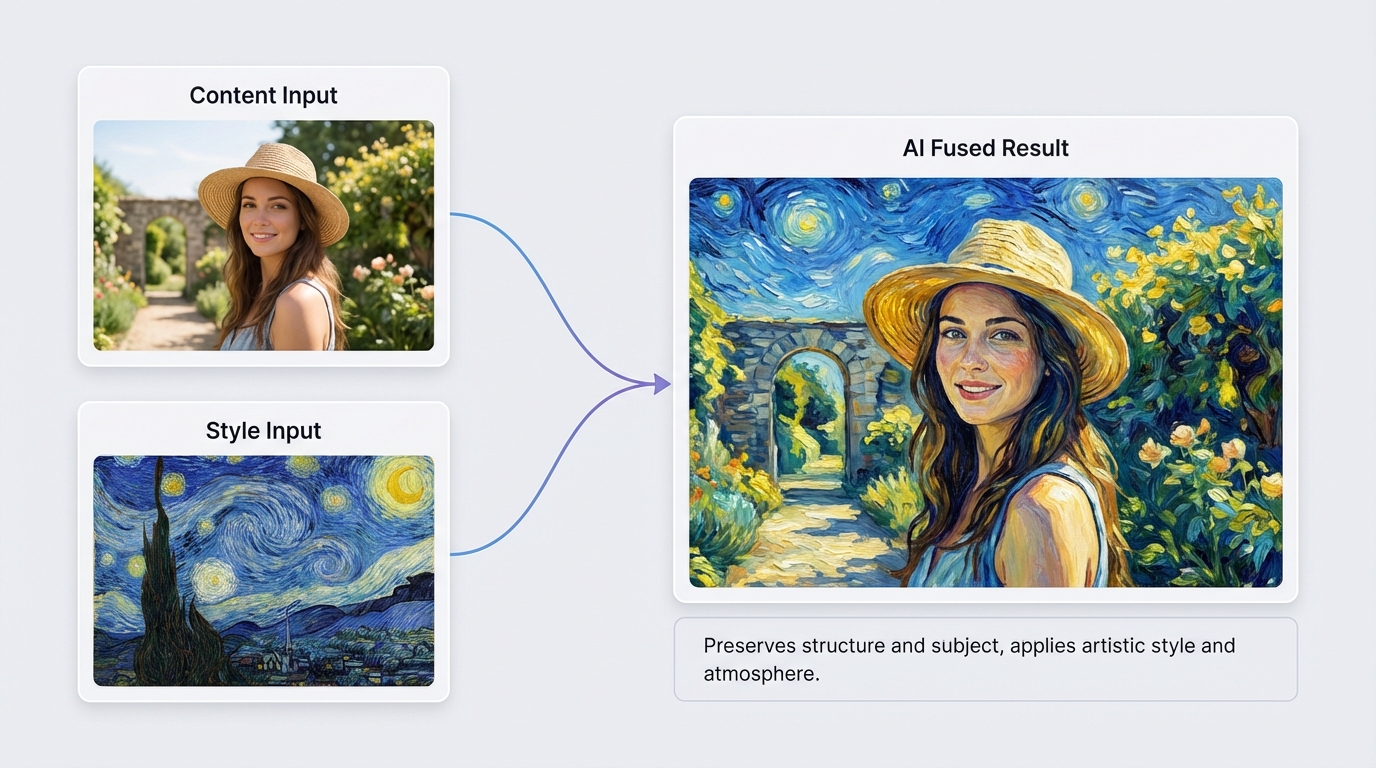
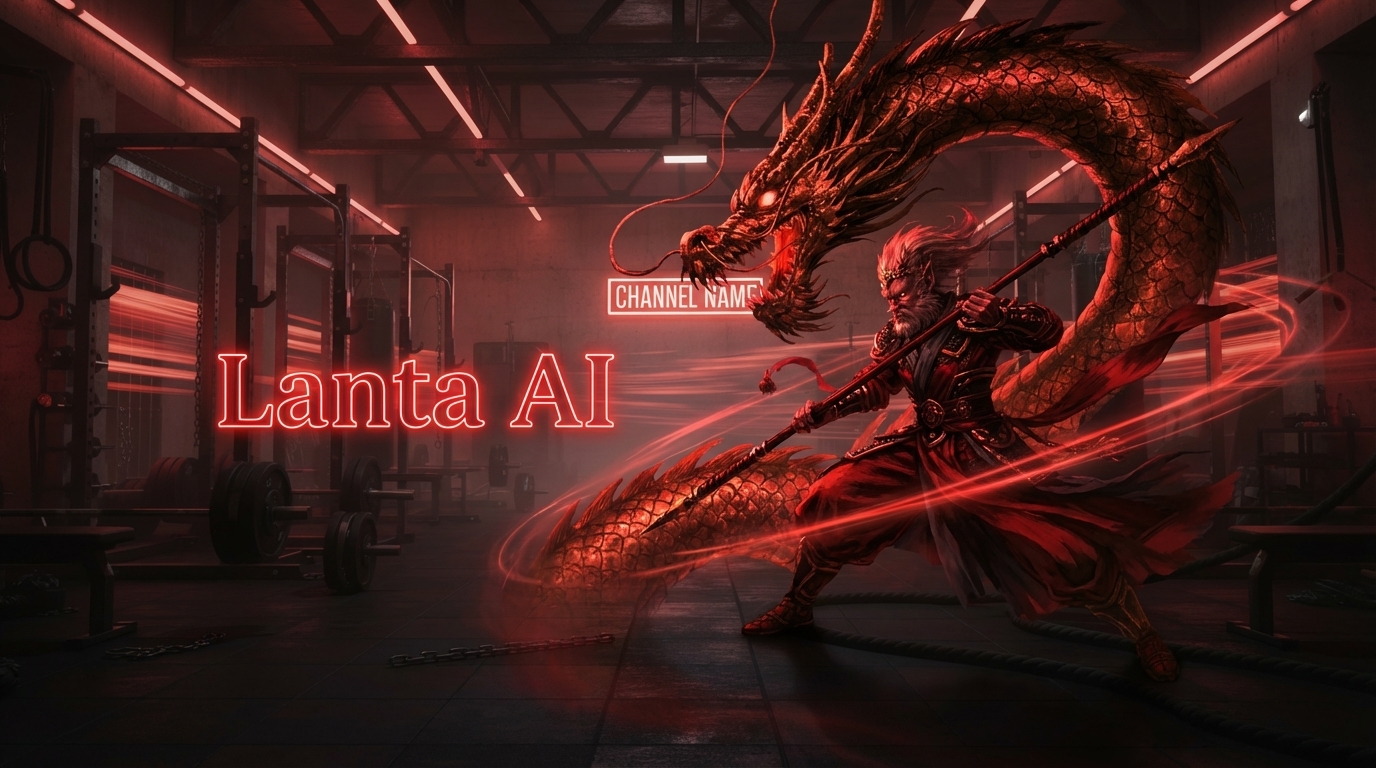
See how AI Image Merger combines two references into one clean visual result.
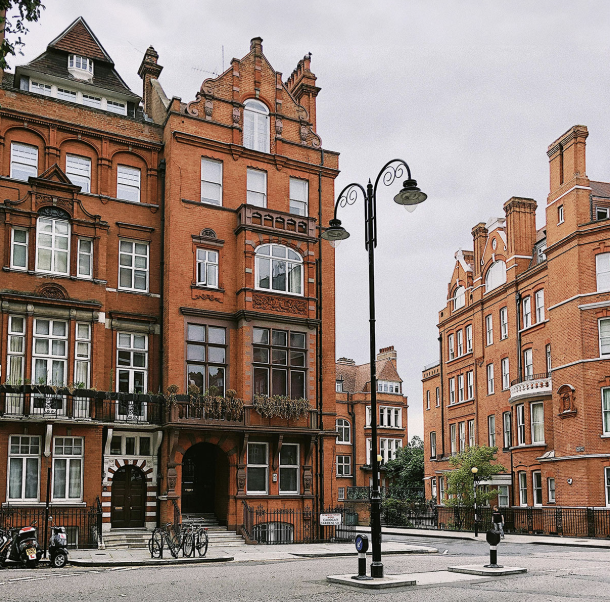
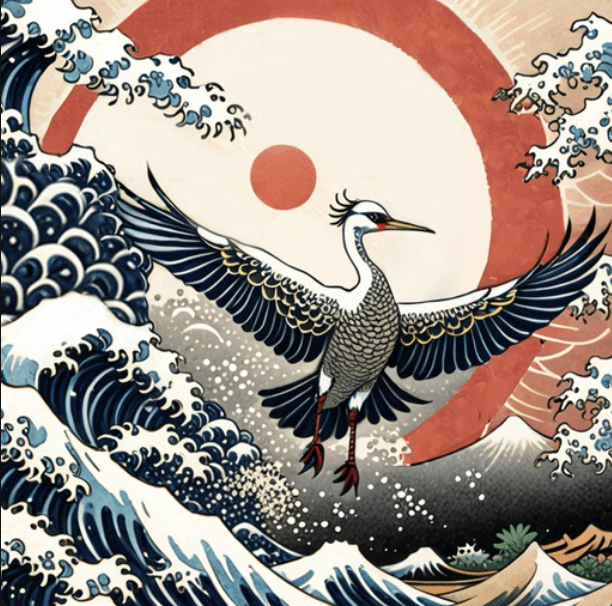
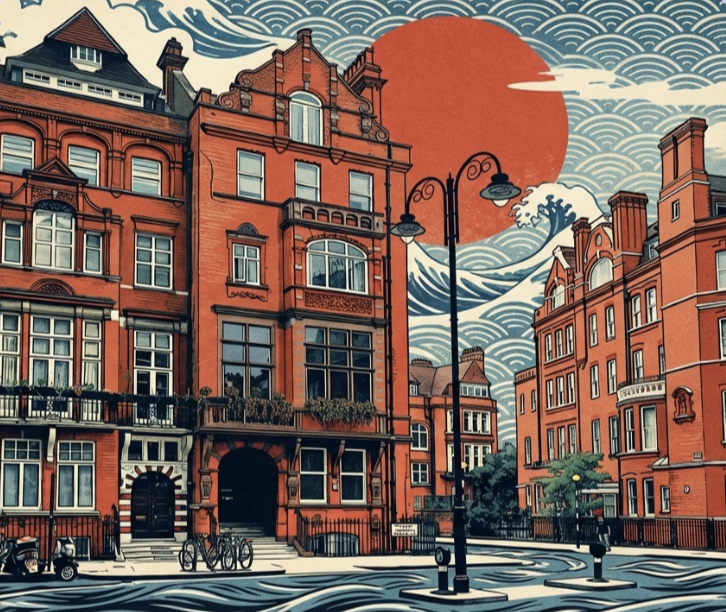
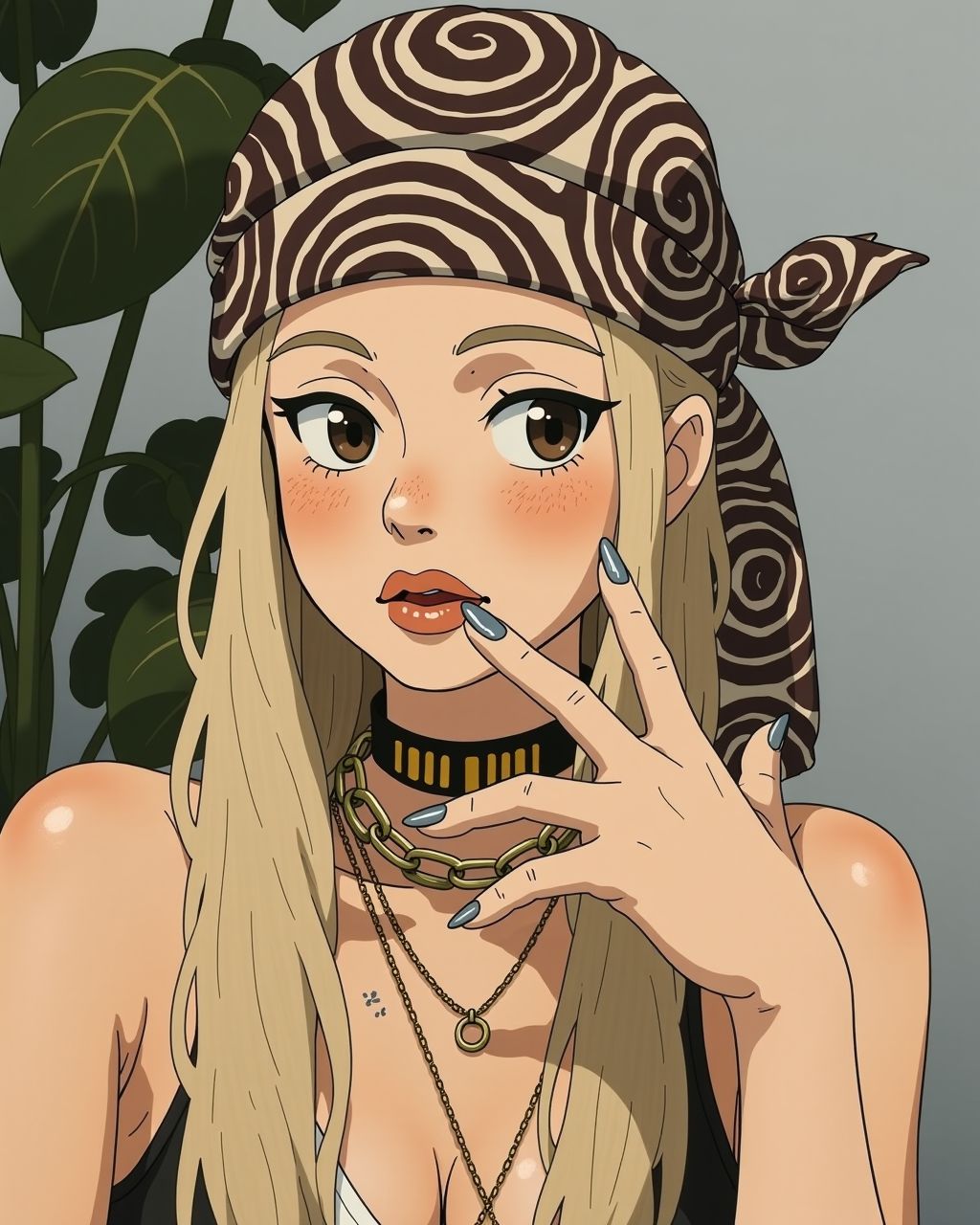
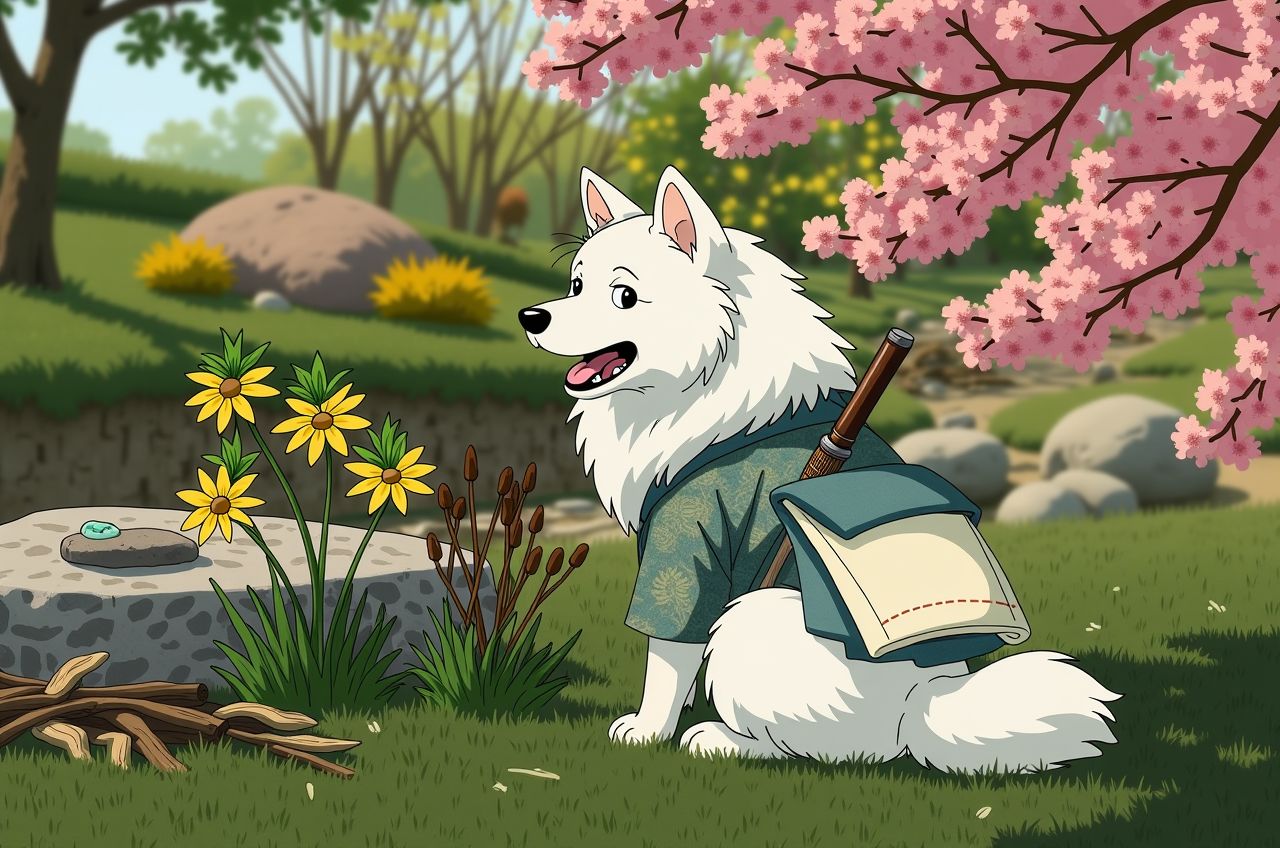
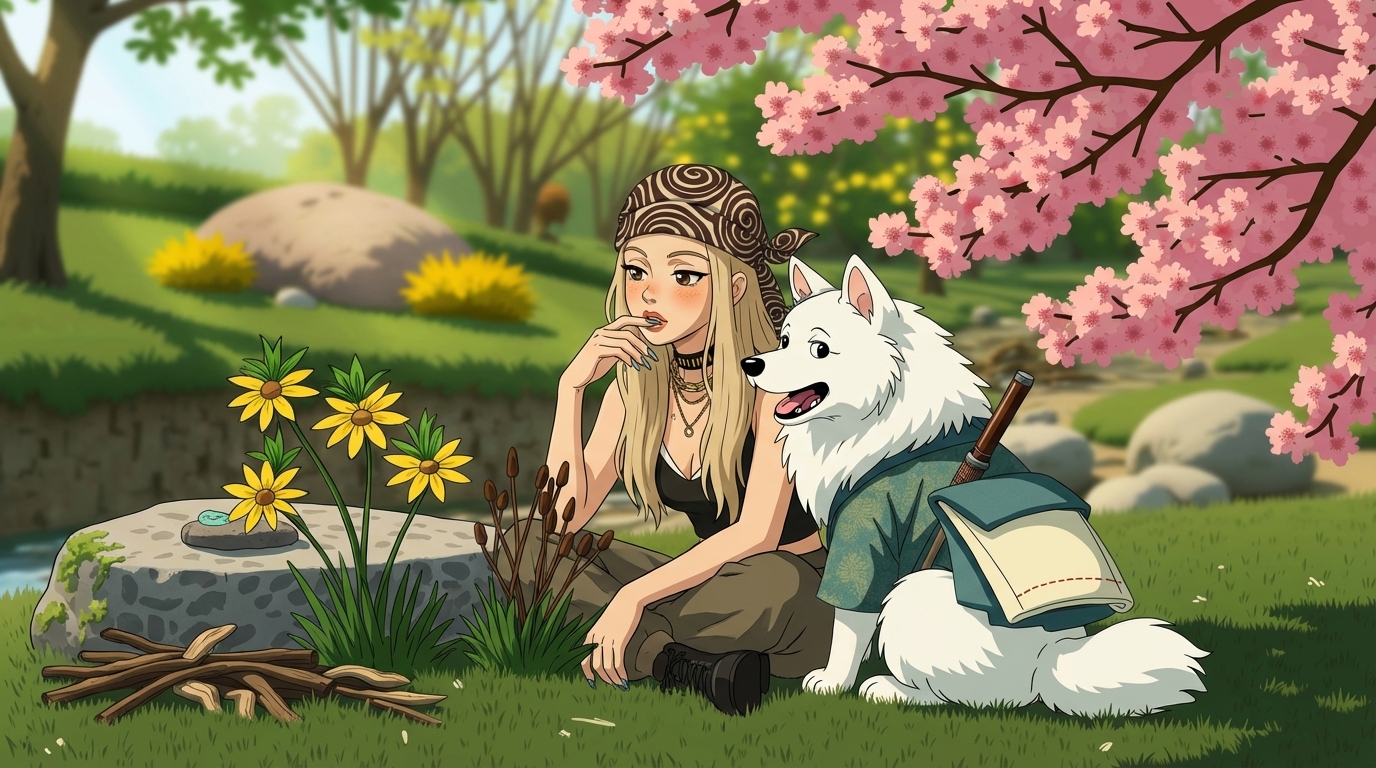
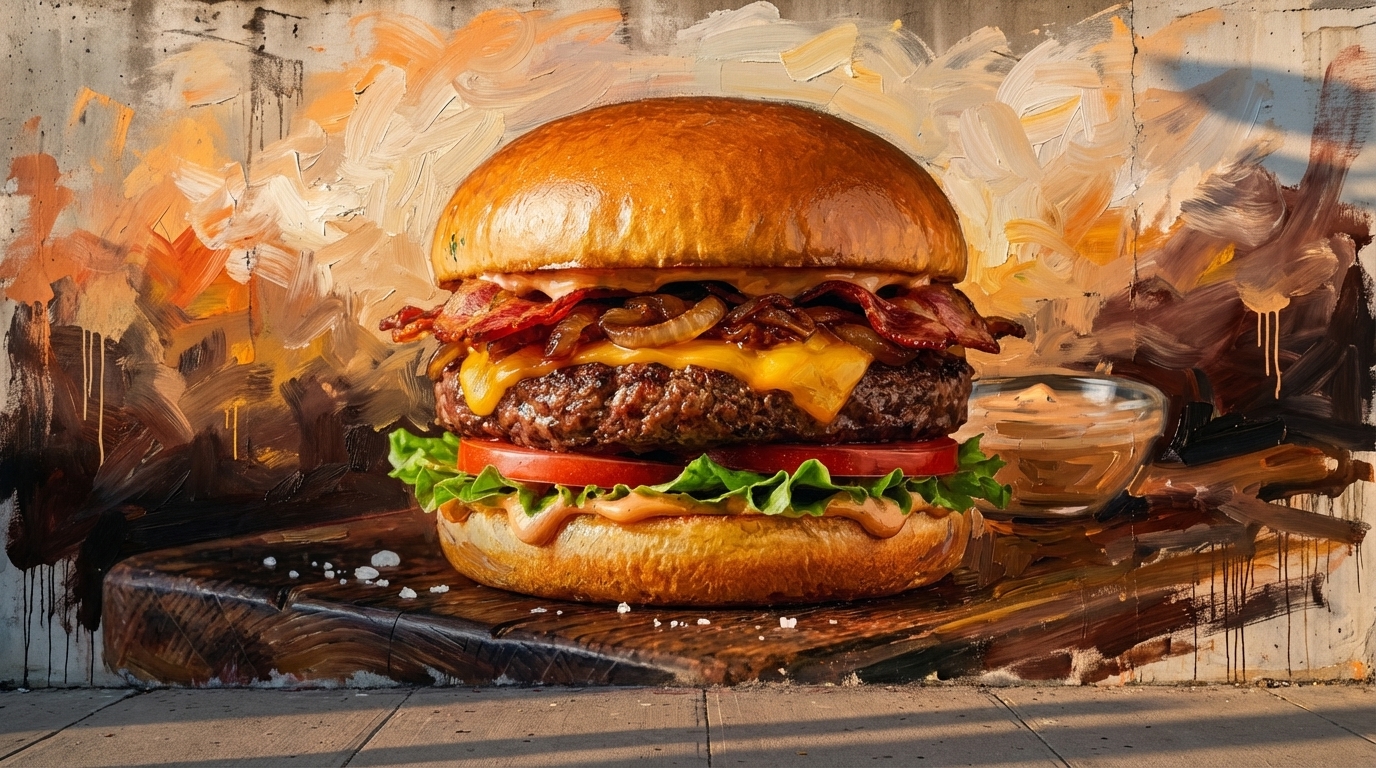
Common ways creators and teams use AI Image Merger to merge two images with ai.
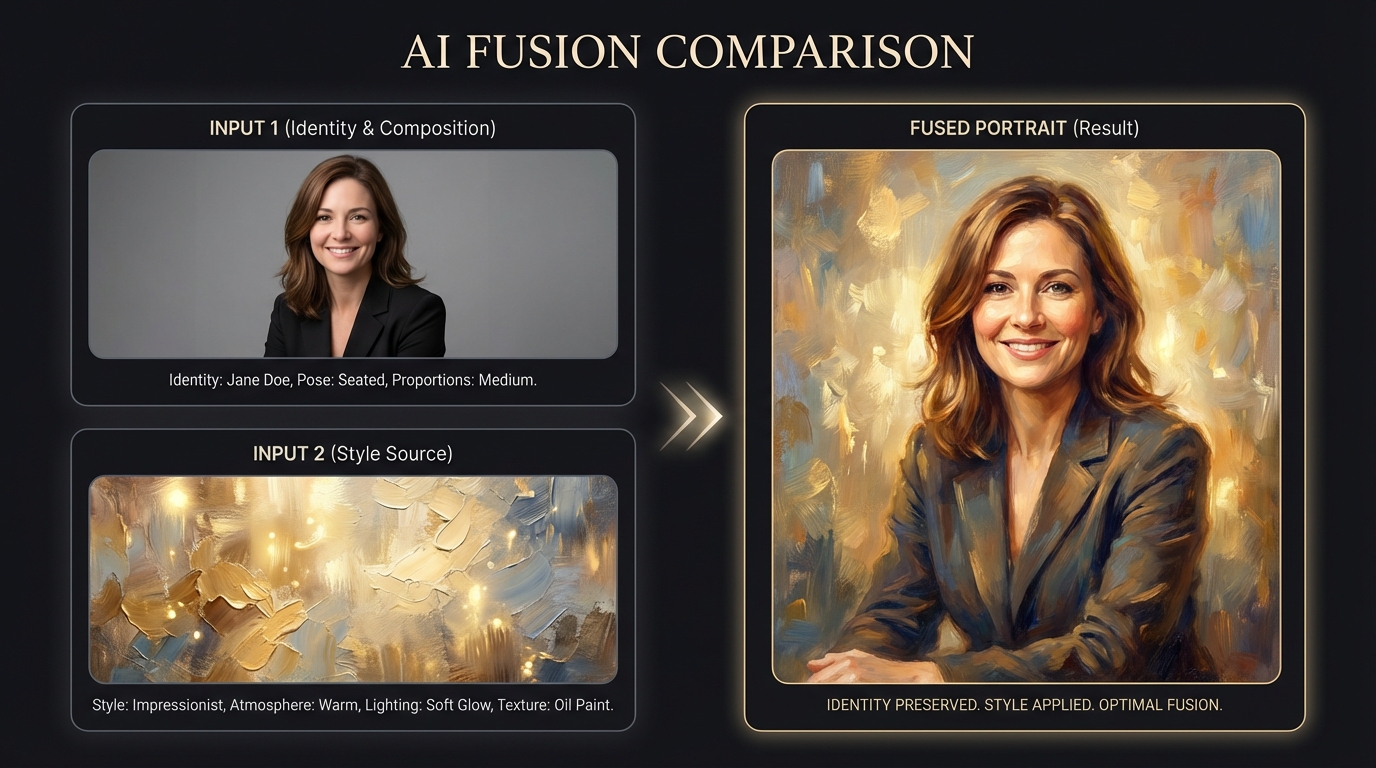
Merge two photos with ai for social graphics, campaign variations, and profile visuals that match your brand style.
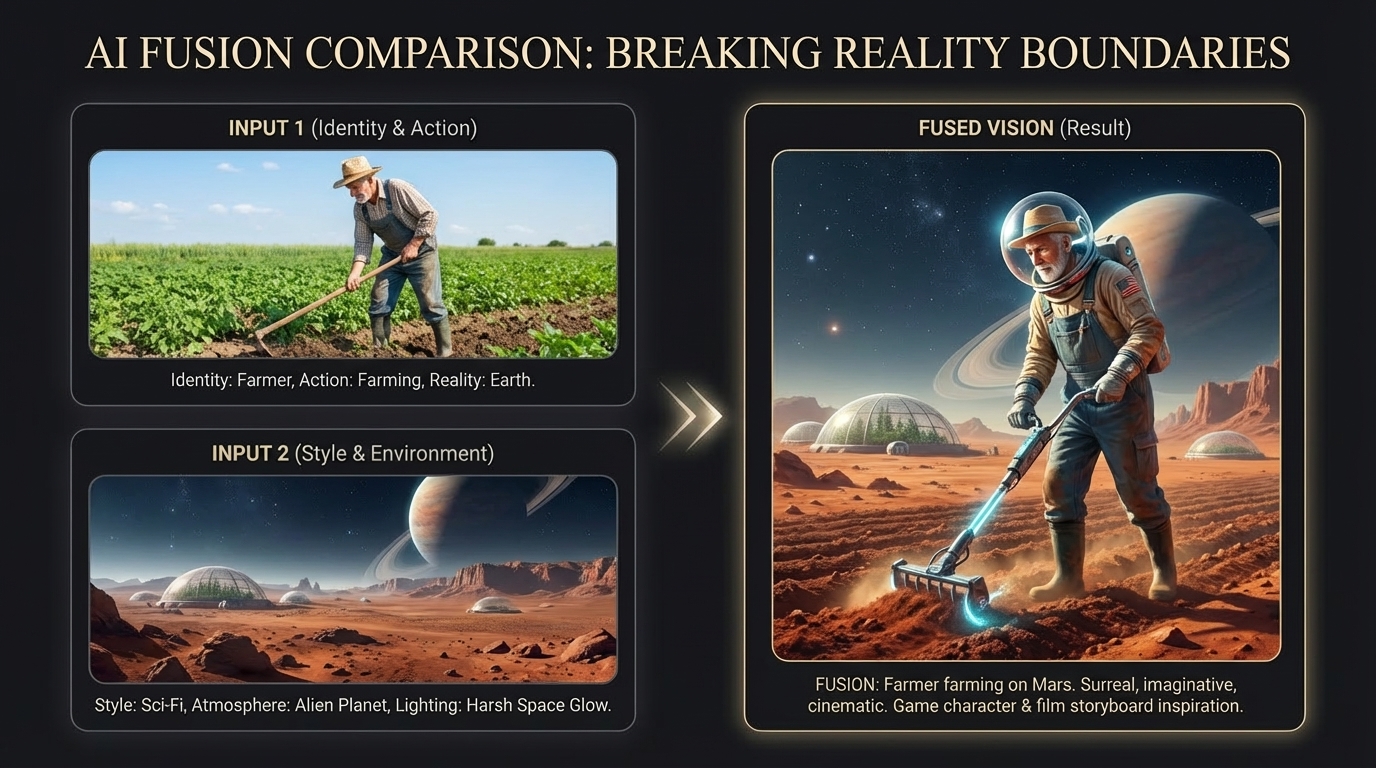
Use AI Image Merger to place products into styled scenes and build marketing-ready image sets with less manual editing.
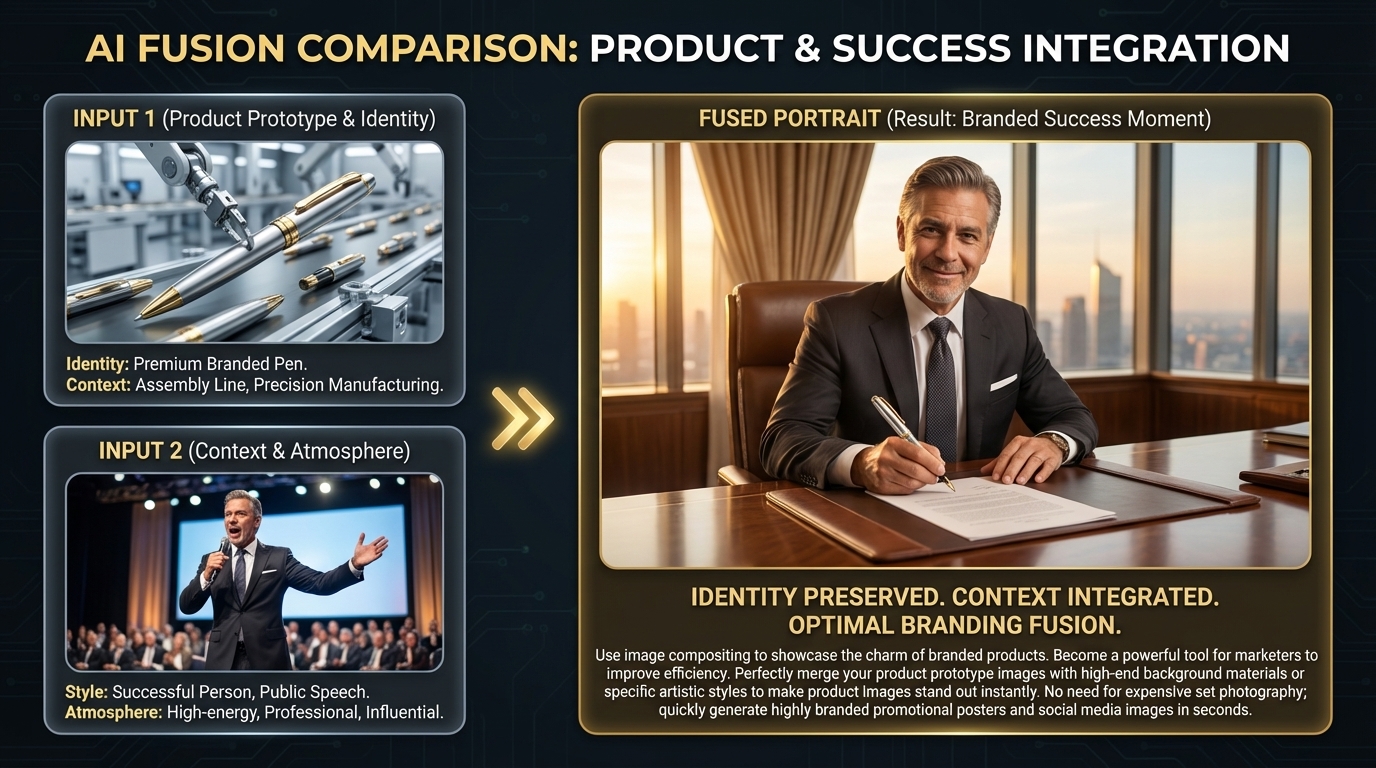
Use this ai image merge tool to create draft visuals for channel art, thumbnails, and branded headers.
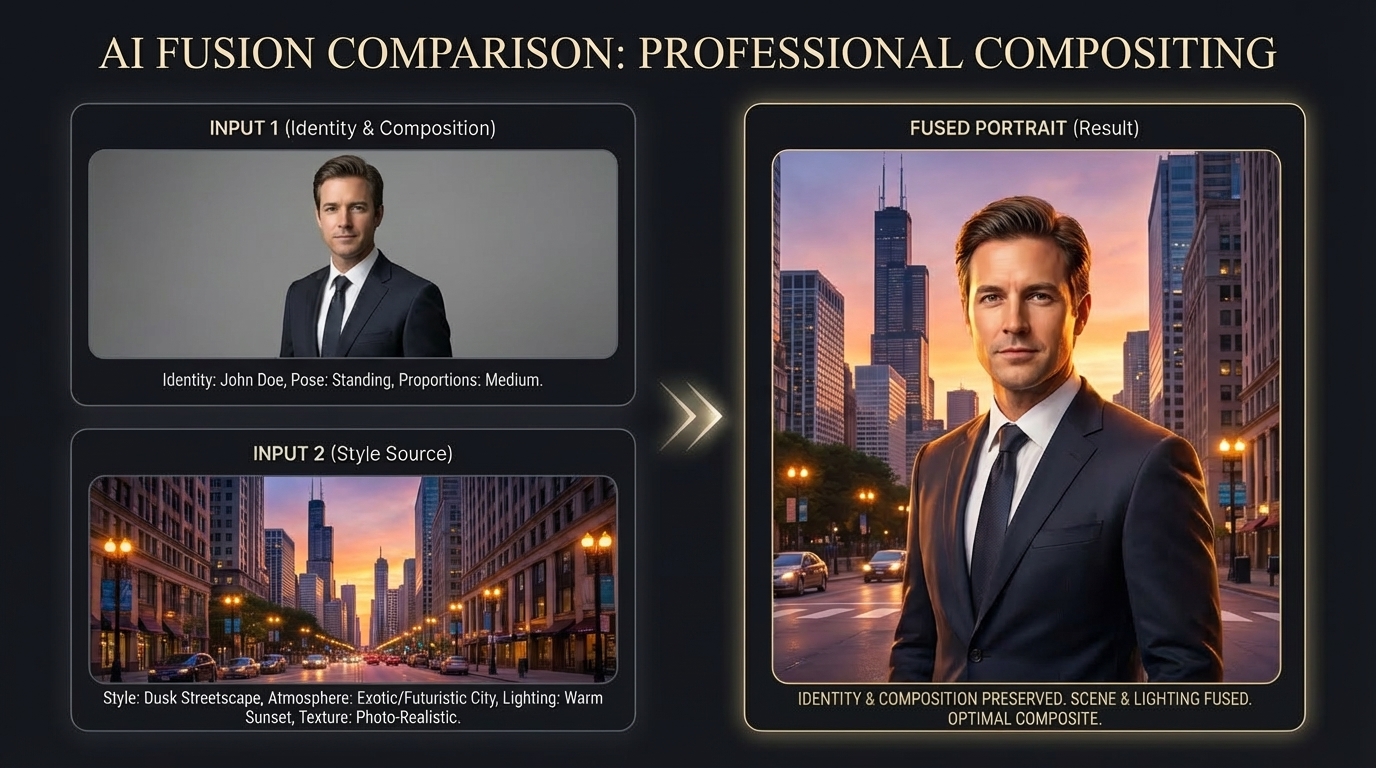
When you need to ai merge two images free for early ideation, generate multiple style directions and validate concepts quickly.
This ai image merger online workflow is built for speed, control, and ready-to-use visual quality.
AI Image Merger is built for merge two images with ai tasks. You can manage both references clearly and keep the output direction focused.
Use AI Image Merger when you need to ai blend two images with natural transitions. It helps align lighting, tone, and texture between both inputs.
From social posts to product creatives, this ai photo merger helps you test ideas quickly. You can ai mix two images for mood tests, banner drafts, and concept work.
AI Image Merger runs in your browser, so you can work from desktop or mobile without installing extra software.
Quick, clear answers to common questions about merging two images with AI.
Yes. You can start for free and quickly test your visual concepts before deciding to scale up your workflows.
An AI image merger is an online tool that takes two source images and fuses them into one cohesive visual. You upload two photos, provide a prompt, and the AI matches their scale, lighting, and style automatically.
Use clear source images with similar lighting. In your prompt, ask for natural shadows and consistent color tone.
"Blend" usually asks for smoother transitions. "Mix" usually asks for stronger style fusion.
Yes. It is suitable for ads, social visuals, banners, and product concepts where speed and quality both matter.
Most generations take about 1-2 minutes, depending on model load and image complexity.
Yes. In your prompt, clearly say which image should lead and which one should support. You can then regenerate and adjust until the balance looks right.
AI Image Merger gives you an easy way to merge two images with AI and create ready-to-use visuals in minutes.
Explore local previewBrowser based · Generation unavailable