Preparing local settings preview…
Veo 3.1 Fast on Lanta AI
Create videos with Veo 3.1 Fast
Turn a written scene or a source image into an 8-second video with Veo 3.1 Fast. Describe the action, framing and sound cues you want, then review the available settings before generating.
Lanta AI provides access to the model through its own creative workflow and is not an official Google service.
Text or image input
Native audio generation
8-second output
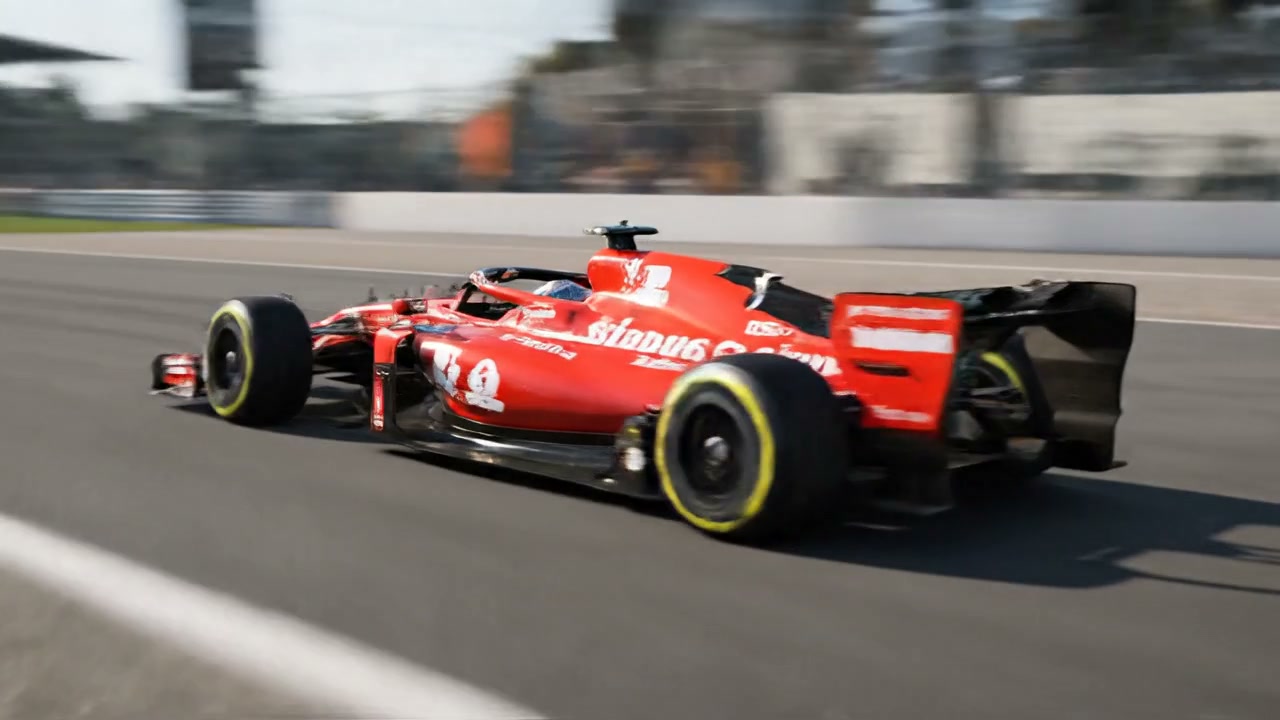
Current form model: Veo 3.1 Fast
Source: Lanta AI public page at capture time. The following performance, pricing, licensing and service statements belong to that source and are not independently verified here; examples are not project generations.
Veo video workflow
How to create a video with Veo 3
The page currently uses Veo 3.1 Fast for a focused text-to-video or image-to-video workflow.
01
Choose your input
Start with a text prompt, or upload a source image when you want to animate an existing visual.
02
Describe the scene
Specify the subject, movement, camera direction and any dialogue or sound cues. Select a supported format.
03
Generate and review
Check the credit estimate shown in the generator, submit the request, then preview and download the completed result.
Source: Lanta AI public page at capture time. The following performance, pricing, licensing and service statements belong to that source and are not independently verified here; examples are not project generations.
Current model access
Veo 3 search intent, Veo 3.1 Fast generation
Veo 3 is a family of video-generation models from Google. On this Lanta AI page, the available generator is configured for Veo 3.1 Fast, a later model option in that family.
This distinction matters: references to Veo 3 explain the model family and search term, while the settings and output claims on this page describe the Veo 3.1 Fast option that is actually available here.
Text to video
Build a scene from a prompt that describes action, composition and camera movement.
Image to video
Use an uploaded image as the visual starting point for an animated clip.
Audio-aware prompting
Include dialogue, ambience or sound cues in your prompt when they matter to the scene.
Visible cost estimate
Review the current credit estimate in the generator before you submit a request.
Source: Lanta AI public page at capture time. The following performance, pricing, licensing and service statements belong to that source and are not independently verified here; examples are not project generations.
Compare other video models
Explore related workflows and choose a model that fits your next video.


Veo 3.1 Fast AI Video Generator FAQ
Source: Lanta AI public page at capture time. The following performance, pricing, licensing and service statements belong to that source and are not independently verified here; examples are not project generations.
Create your next scene with Veo 3.1 Fast
Start with a prompt or source image, choose the available controls and check the credit estimate before generating.
Open the Veo generator