DreamFace AI FAQ
What is DreamFace AI?
+
DreamFace is an AI creation platform known for animating photos into talking or singing characters. It also offers avatar animation, motion transfer and text-to-video and image-to-video tools. It is a collection of creative tools, so each feature can have different inputs and output options.
Can DreamFace make a photo talk or sing?
+
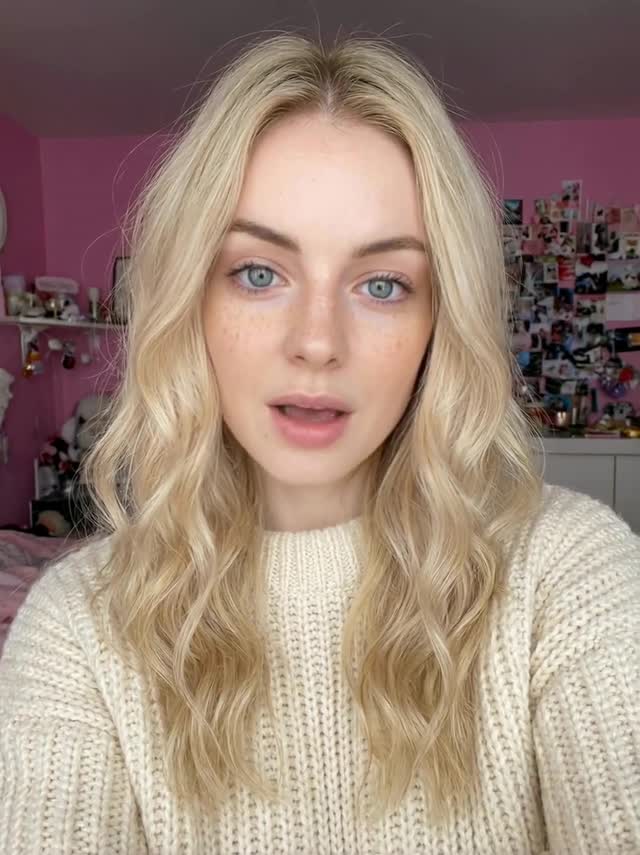
Yes. DreamFace's avatar tools combine a photo with text or audio to animate the character's delivery. The image supplies the appearance, while the speech or song guides the performance. A clear face and an unobstructed mouth give you a useful starting point.
Can I animate a pet photo with DreamFace?
+
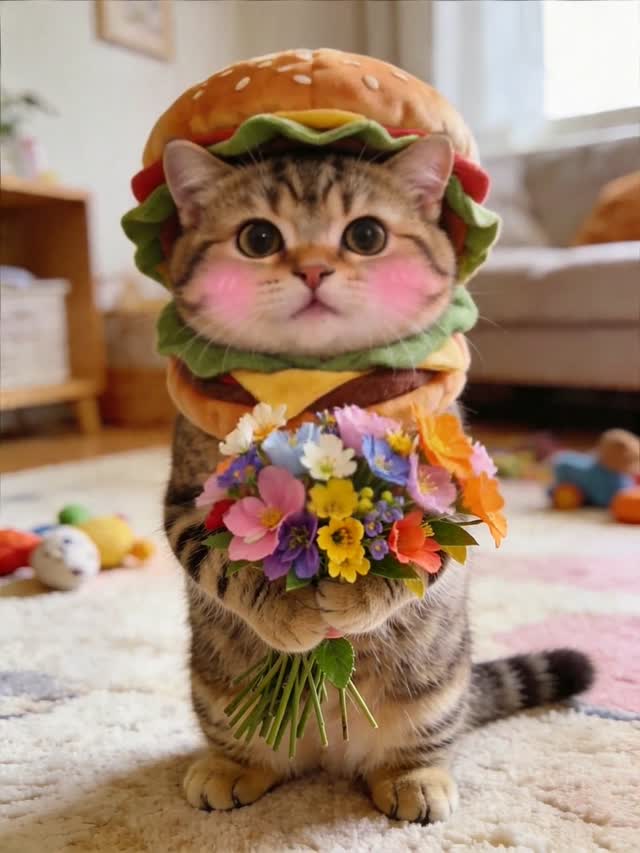
DreamFace includes pet animation for talking and singing clips. Start with a clear image of one animal and a short voice or song segment. Review the mouth movement and expression before sharing, since the result can vary with the face shape and source image.
How is Dream Act different from lip sync?
+
Lip sync uses speech or singing to guide mouth movement. Dream Act uses a reference video to guide a character's expressions, gestures and poses. Choose audio when the delivery of a line matters most, and a performance reference when you want a particular movement.
Which AI video generator can I use on this page?
+
The public reference embeds Lanta AI's video generator; its selected model determines inputs and settings. Here you can preview local parameters and files using the displayed model. DreamFace is not a registered provider in this project. Generation is not available.
Is DreamFace AI free, and how does Lanta pricing work?
+
DreamFace advertises a free trial for some avatar features; check its current plan for the limits. For the Lanta generator on this page, sign in and review the credits shown for your selected model and settings. Some Lanta options require a subscription. These are the respective providers' terms, not this project's free-trial, pricing or availability promises.
Do I need to download an app?
+
DreamFace offers web, iOS and Android access. The reference site's Lanta AI generator works in a browser without a mobile app. This project provides local browser previews only.
What video length and resolution can I choose on Lanta AI?
+
The options change with the selected model and mode. Choose a model first, then use the duration, resolution and aspect-ratio controls shown in the form. Check any audio or reference requirements before generating; a setting available for one model may not be available for another. This project previews parameters only; generation is not available.
How can I improve a photo animation?
+
Start with a well-lit image and one clearly visible subject. For a close-up, keep the face and mouth unobstructed; for body motion, leave the arms and legs in frame. Ask for one main action, reduce large camera moves if the face changes, and inspect the result before creating more variations.