FrameKoi
Sign in
HomeCommunityMy Creations

AI Video

AI Video GeneratorVideo EffectsAI DanceNew

AI Image

AI Image GeneratorImage Effects

Featured

HappyHorse 1.0Seedance 2.0GPT ImageAI MakeupImage StylerLip SyncAI Age Progression
Live & part try-onLive Try-OnLipstickFoundationBlushEyeshadowEyelinerMascaraBrowsContourHighlight
Pricing

Preparing local parameter preview…

Features

AI Video GeneratorAI DanceAI Image GeneratorToolsImage to VideoText to VideoVideo to VideoAI MakeupLip SyncVideo to Ghibli StyleImage to Ghibli StyleImage EffectsVideo Effects

Video Effects

AI Kissing Video GeneratorAI French Kiss Video GeneratorAI Hug Video GeneratorAI Muscle VideoEarth Zoom Out

AI Guides & Learning

AI Creation GuidesAI Image to Video GuideAI Image Creation GuideBlog

Models

Video ModelsImage ModelsSeedance 2.0Happy Horse 1.0Kling 3.0Kling AIGrok ImagineSora 2Wan 2.2Veo 3GPT Image 2Nano Banana Pro

About & Trust

Sign inAbout FrameKoiRefund PolicyPrivacy NoticeTerms of ServiceContent Moderation PolicyCookiesDMCA
FrameKoi

Your ideas. A wink away.

Copyright © 2026 FrameKoi
FrameKoi
Sign in
HomeCommunityMy Creations

AI Video

AI Video GeneratorVideo EffectsAI DanceNew

AI Image

AI Image GeneratorImage Effects

Featured

HappyHorse 1.0Seedance 2.0GPT ImageAI MakeupImage StylerLip SyncAI Age Progression
Live & part try-onLive Try-OnLipstickFoundationBlushEyeshadowEyelinerMascaraBrowsContourHighlight
Pricing

The query requests an unknown or unsupported model. No other service has been substituted. Select an observed model.

0/0

Local parameter and file preview only. No upload, generation, or credits used.

Public Video Examples

Public reference showcases, separate from project generations and account creations.

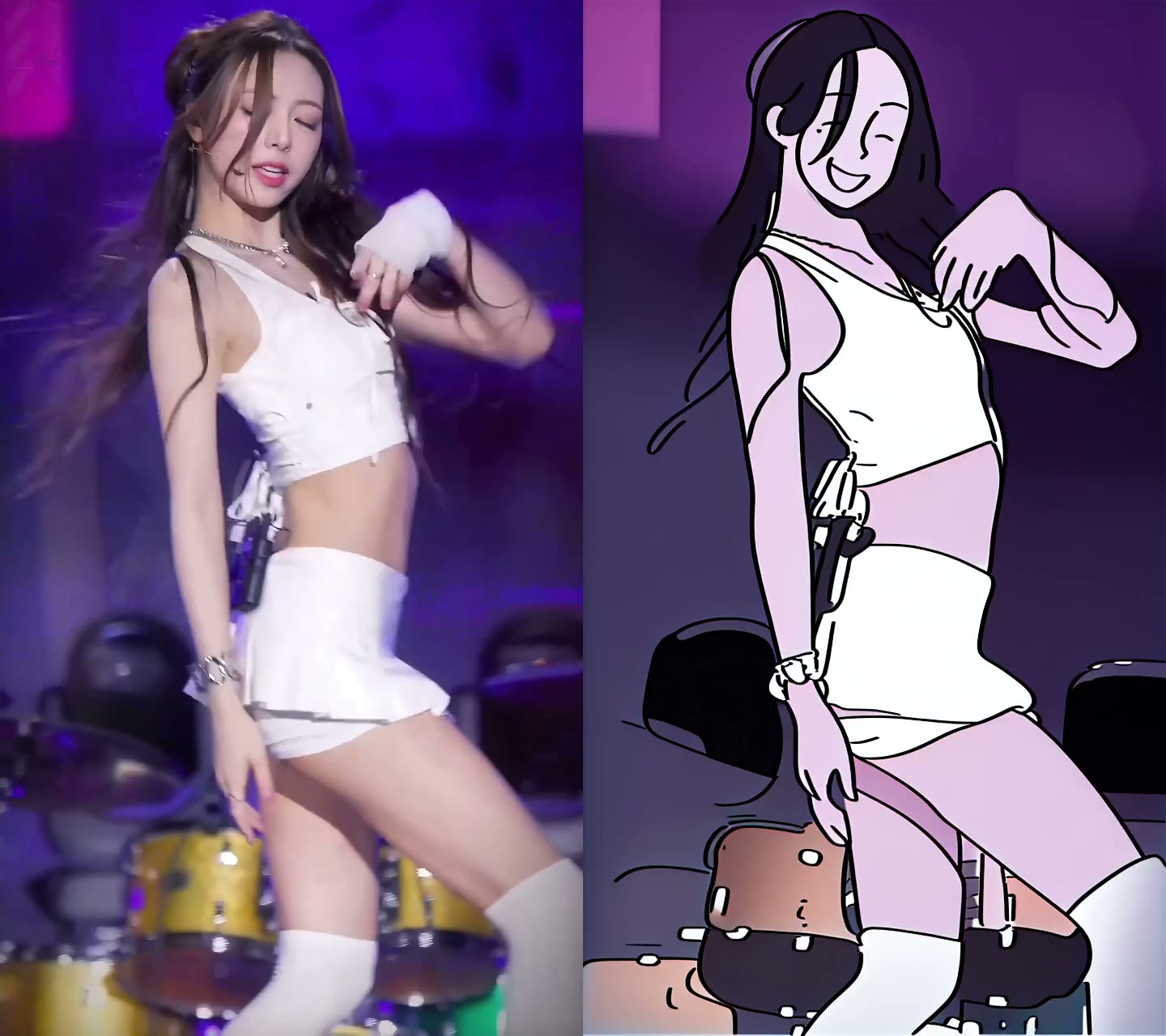
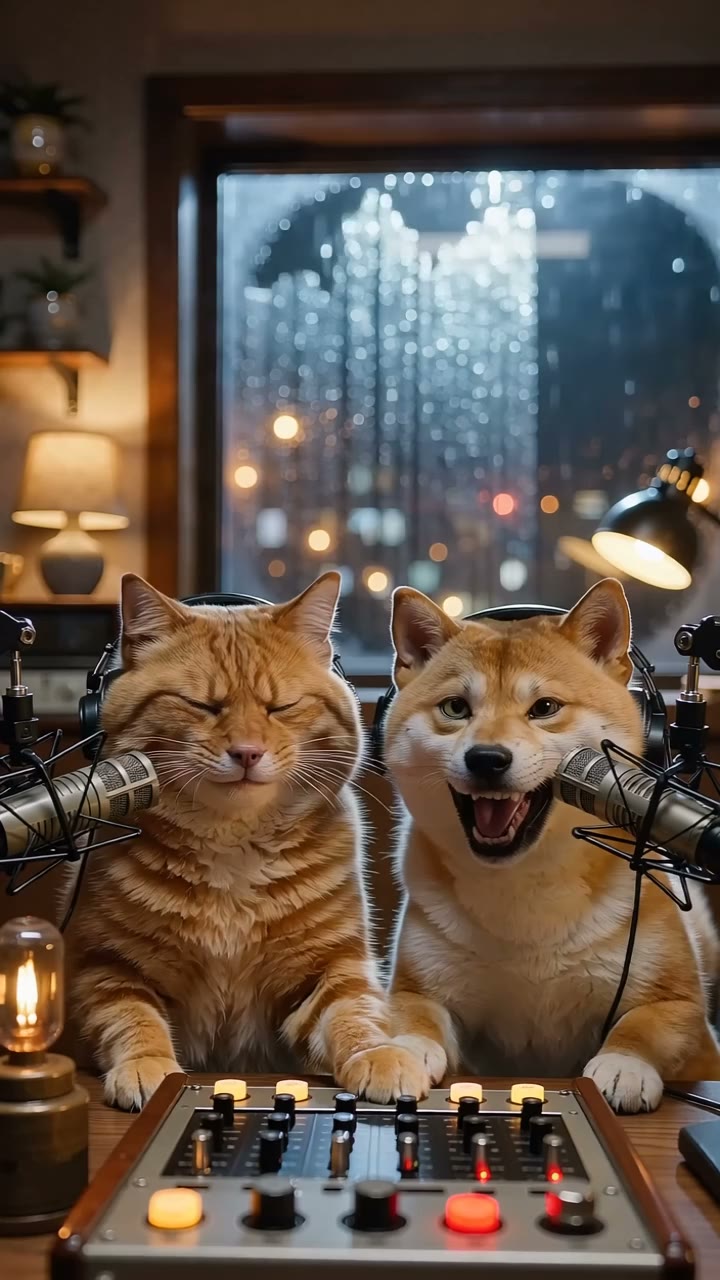
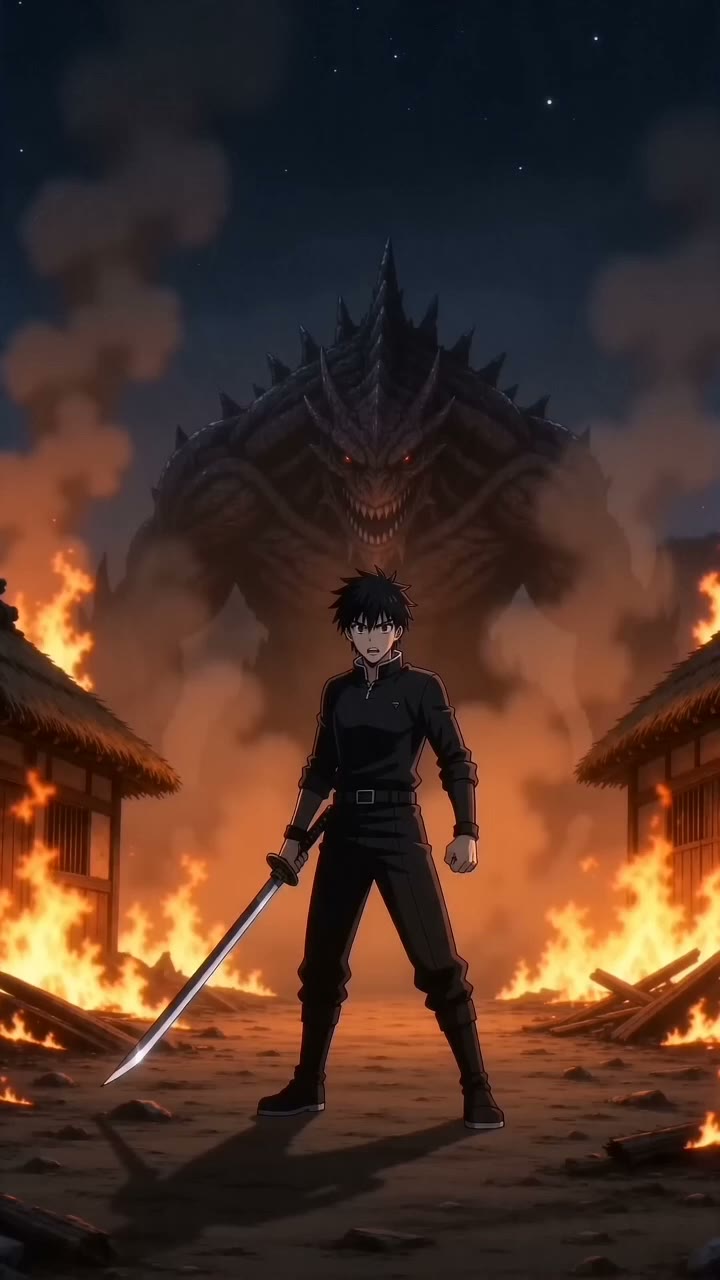
Public reference example

5s · Image to Video

Wan 2.2
Download public example
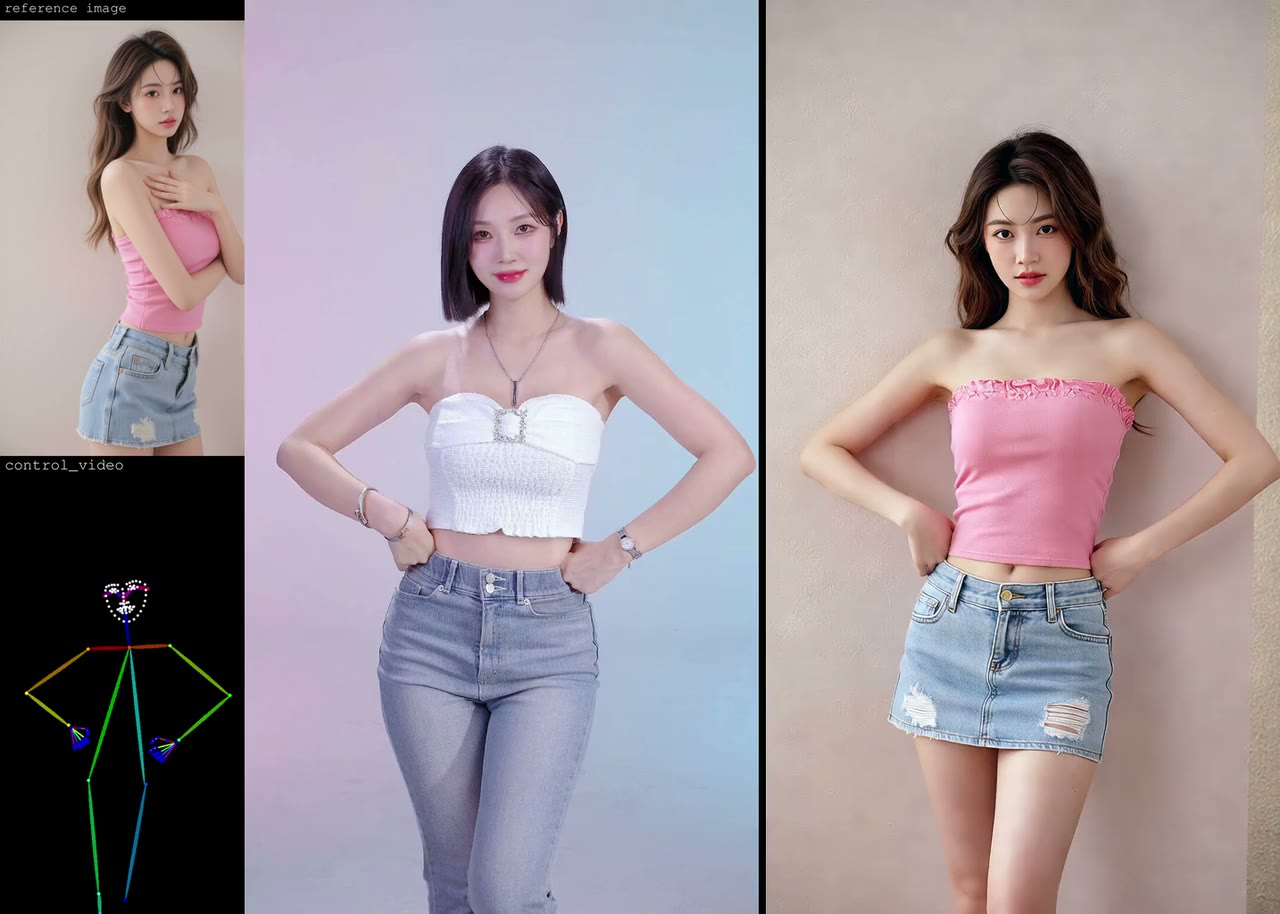
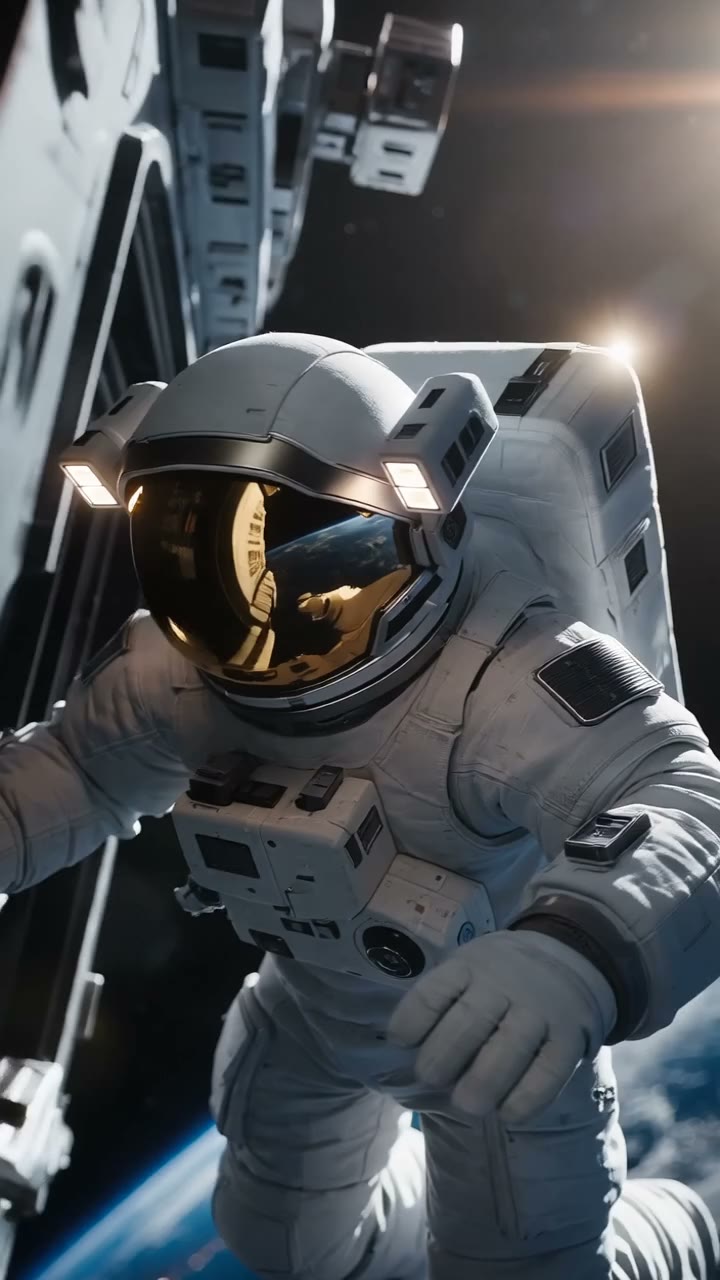
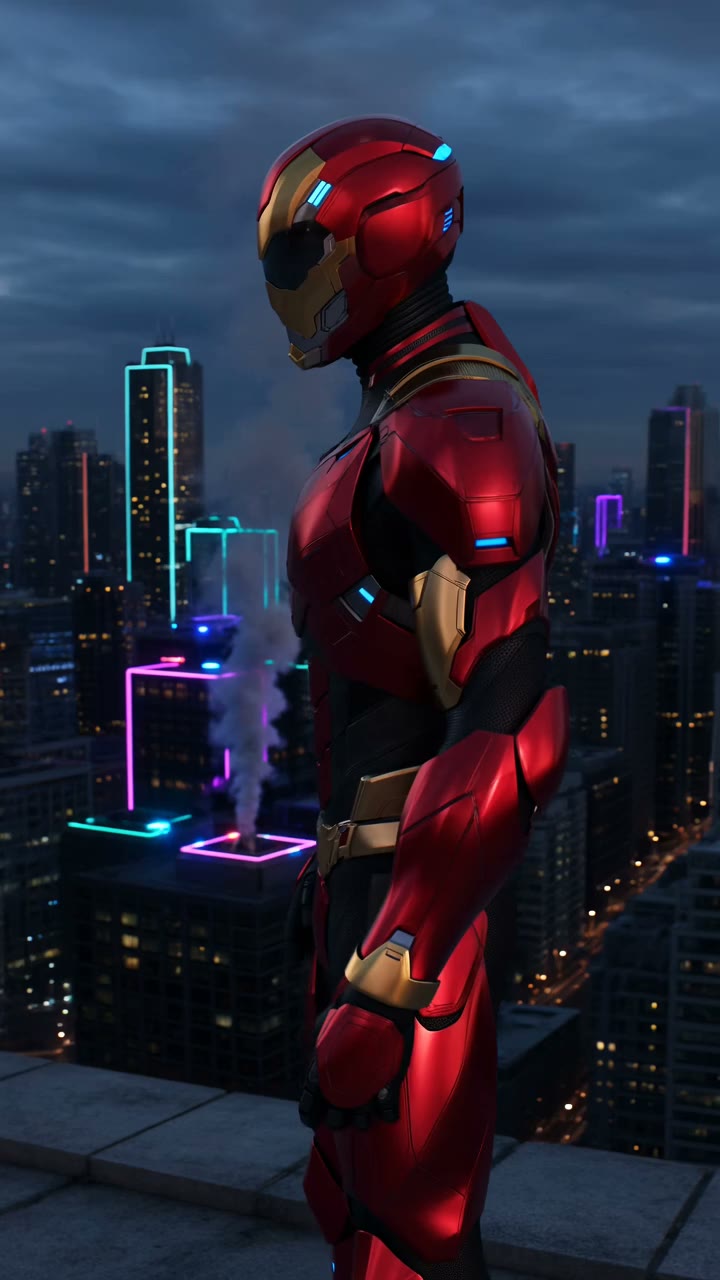
Public reference example

4s · Image to Video

Wan 2.2
Download public example
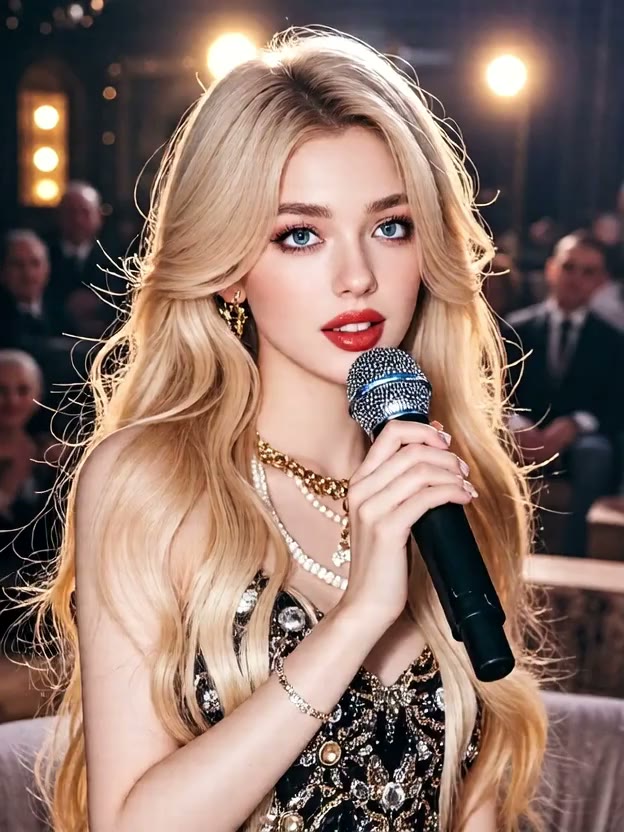
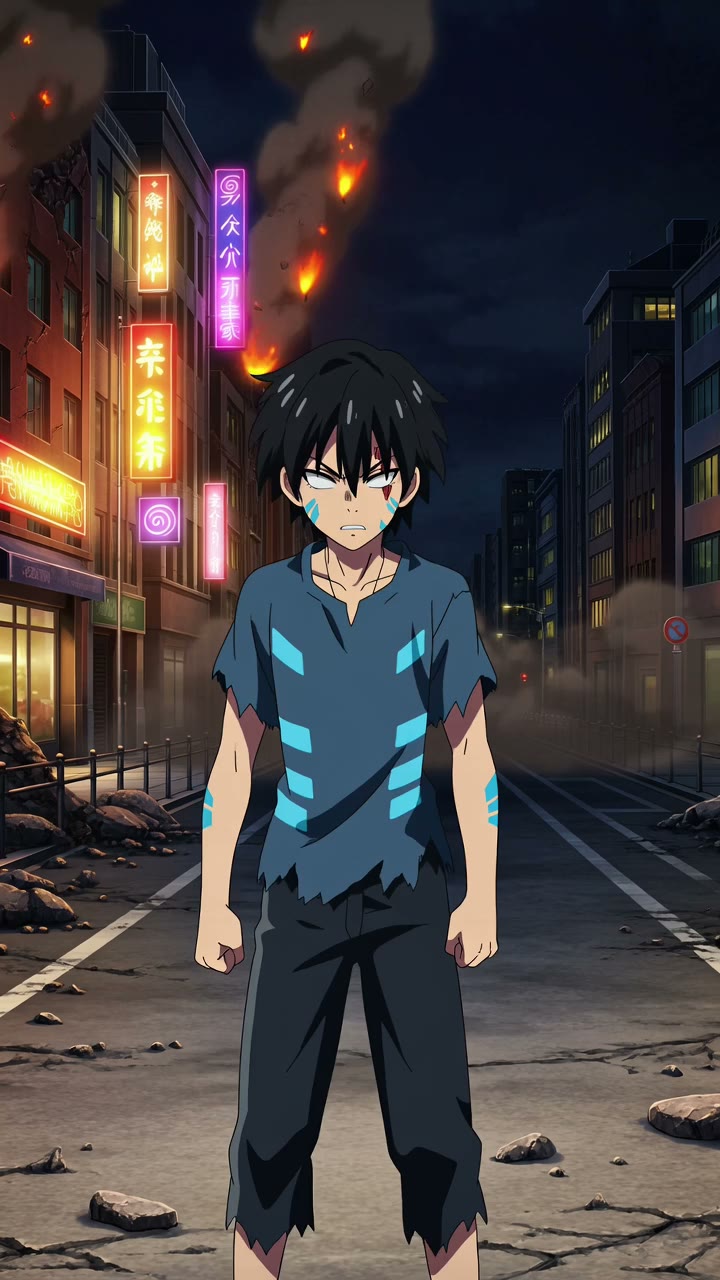
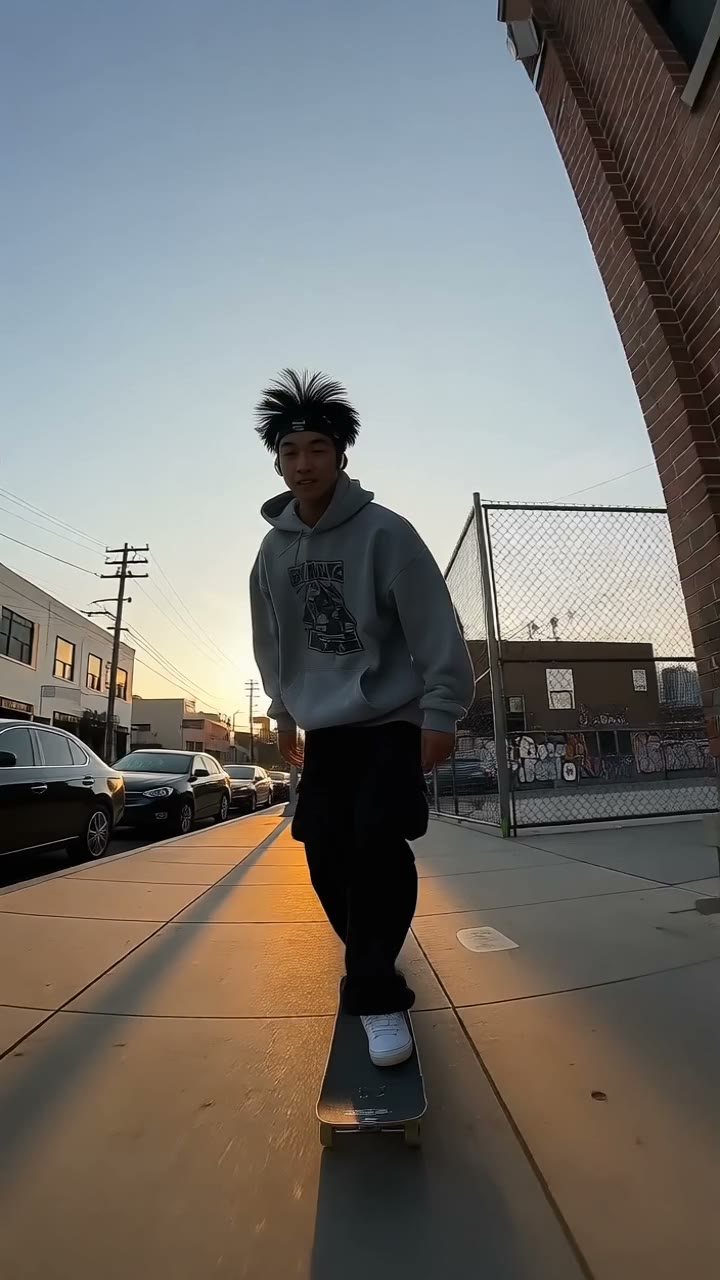
Public reference example

4s · Image to Video

Lanta 2.1
Download public example
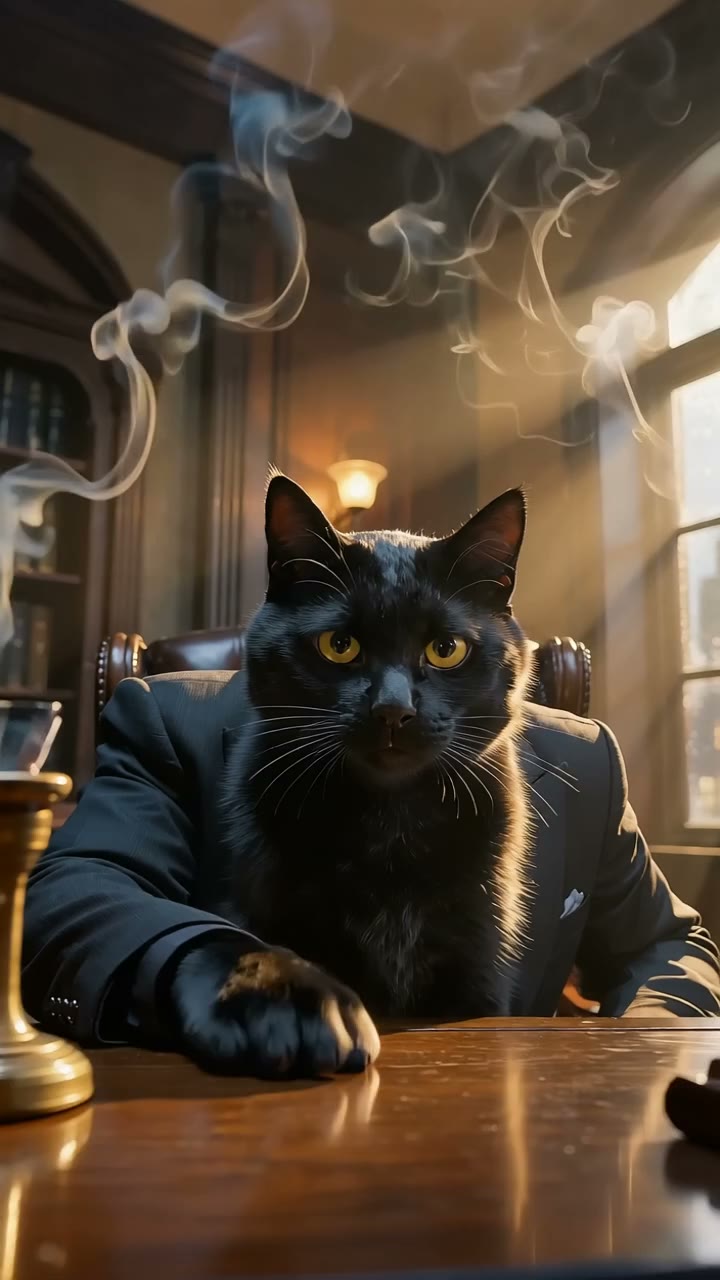
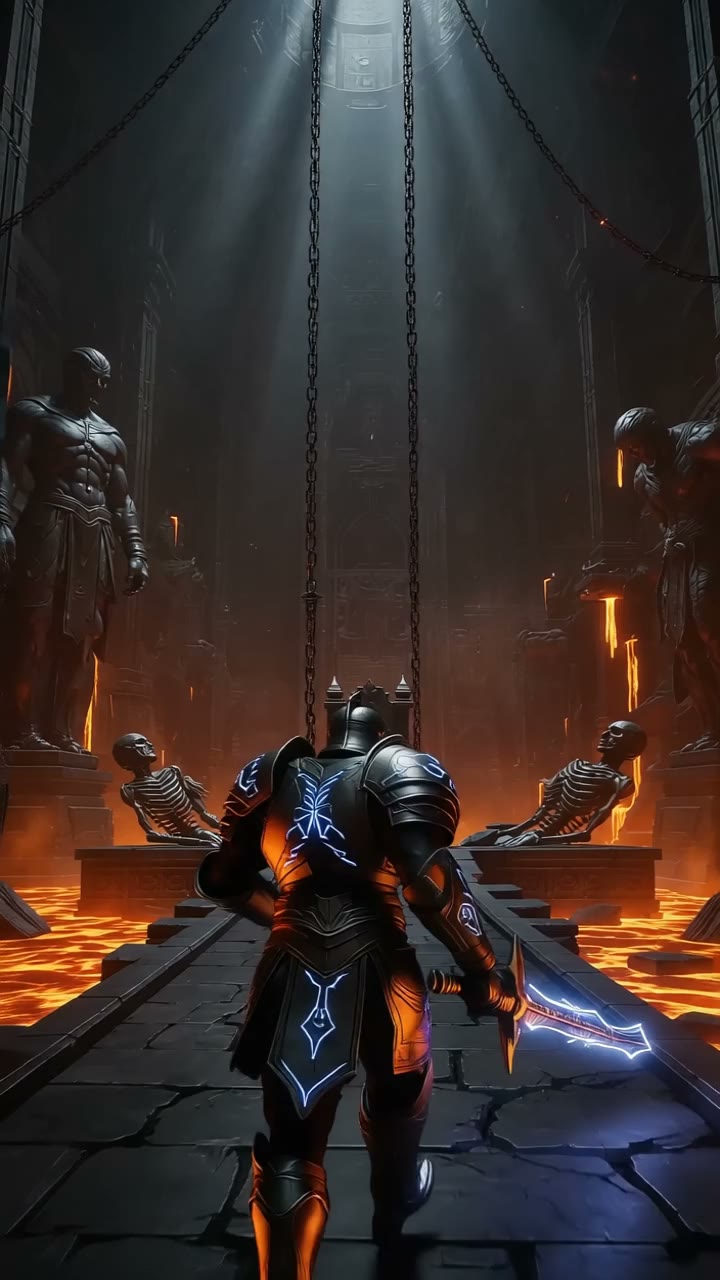
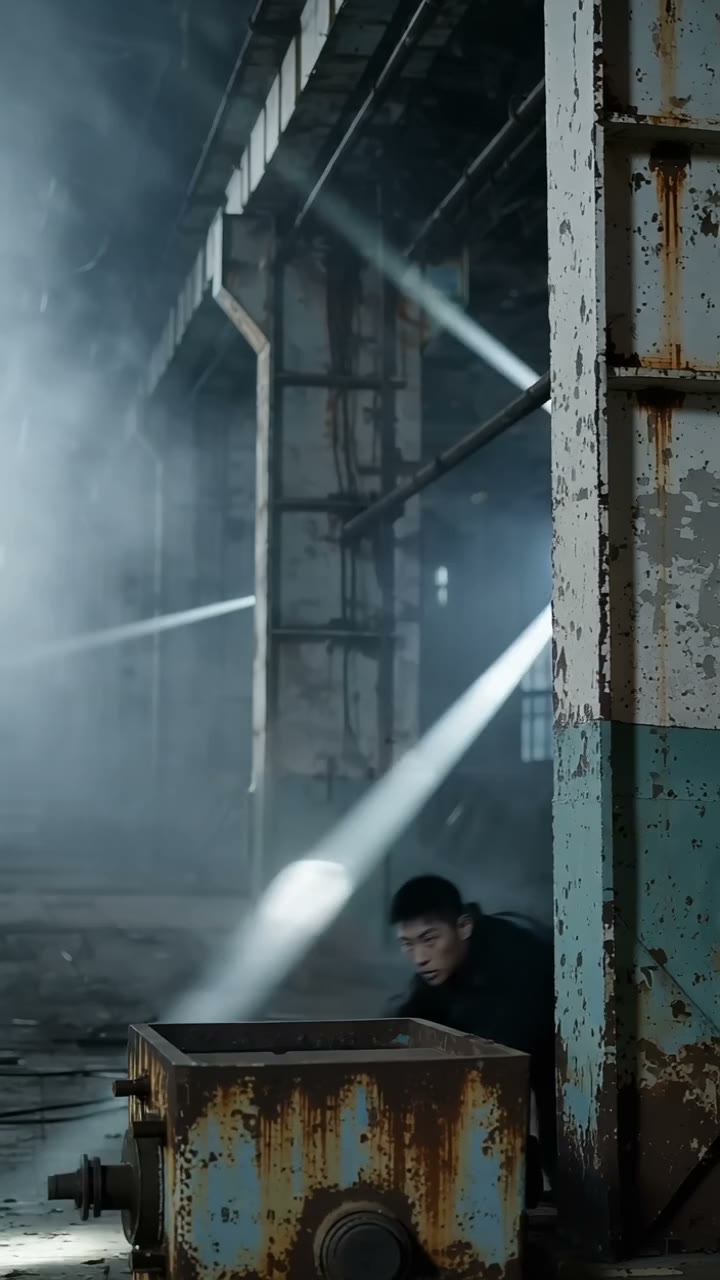
Public reference example

5s · Image to Video

Lanta 2.1
Download public example

AI Video Generator: Explore Videos from Text & Images

Start with a prompt or a photo. Describe one clear action and how the camera should move. Explore settings and local previews; check the generation panel for available modes and quotes.

Explore Stunning AI-Generated Videos You Can Make

External model information and public reference examples. These are not project generations, verified project capabilities, or user creations. Generation is not connected.

Key Features of the reference platform Video Maker

Create HD Video Drafts Without Filming

Start with a prompt, reference image, or early concept, and turn it into an HD AI video draft before you move into full production. Use the reference platform to test the mood, pacing, framing, and visual direction of your idea, whether you’re building a treatment, pitching a concept, or exploring a scene before production.

Explore Models & Settings
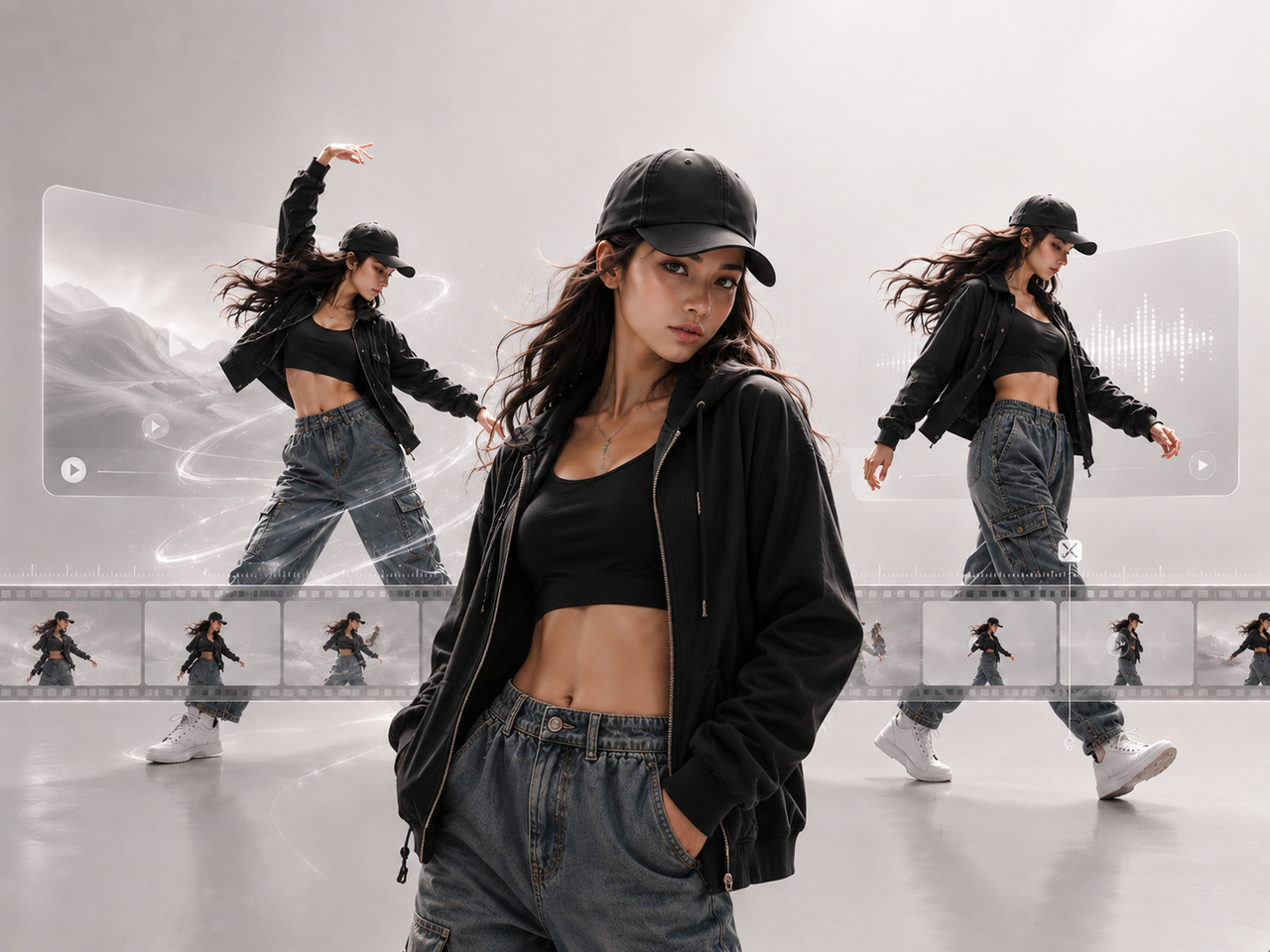
Turn Still Images into Smooth Video Motion

Bring product photos, portraits, character art, and concept images into motion with natural camera flow and visual continuity. Instead of leaving a strong image as a static frame, use the reference platform to see how it works as a moving shot, with motion, atmosphere, and timing shaped around your visual idea.

Explore Models & Settings
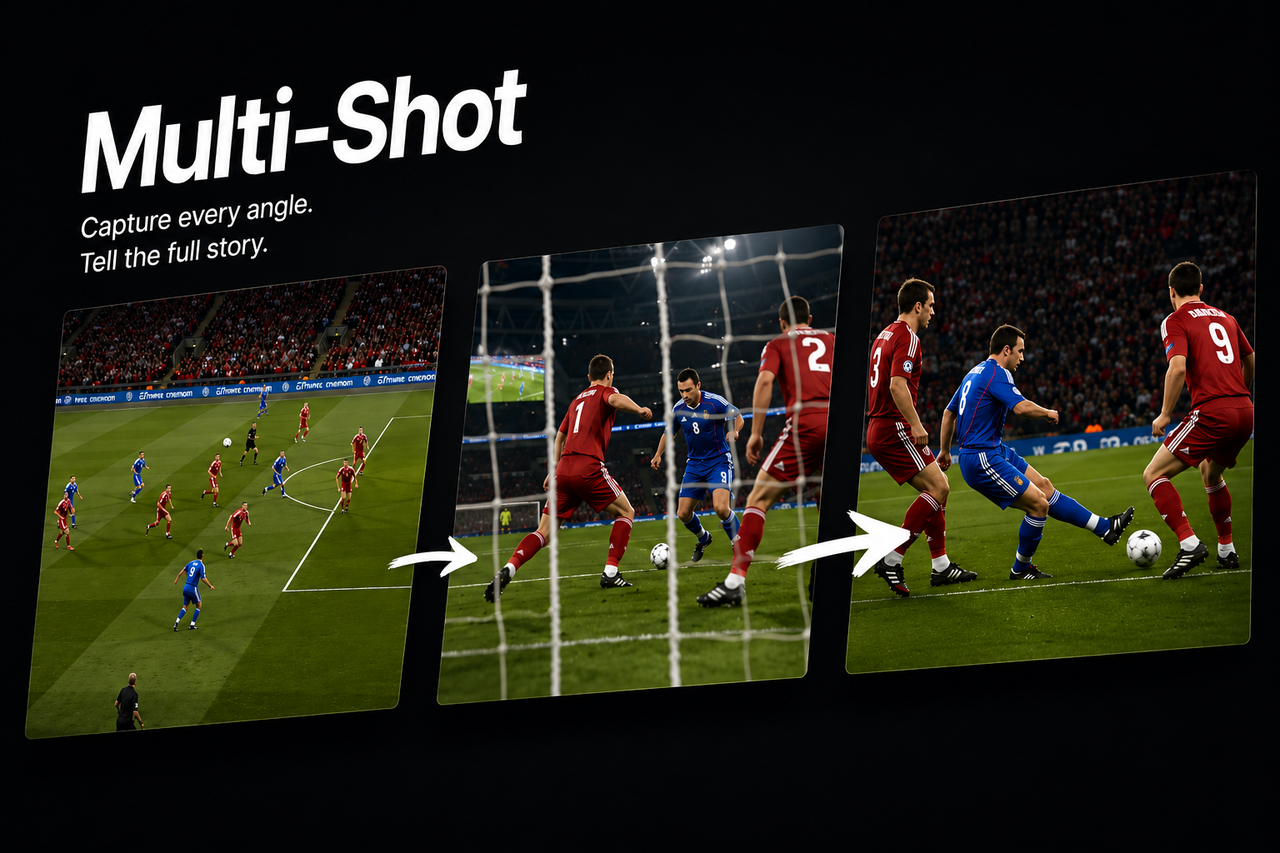
Build Multi-Shot Videos That Flow Better

Create short sequences that feel more connected from shot to shot. Use prompts to guide pacing, transitions, camera direction, and visual progression, so your video feels less like separate AI clips and more like an edited scene. It’s a faster way to test ad concepts, storyboard previews, cinematic drafts, and short-form narrative ideas.

Explore Models & Settings
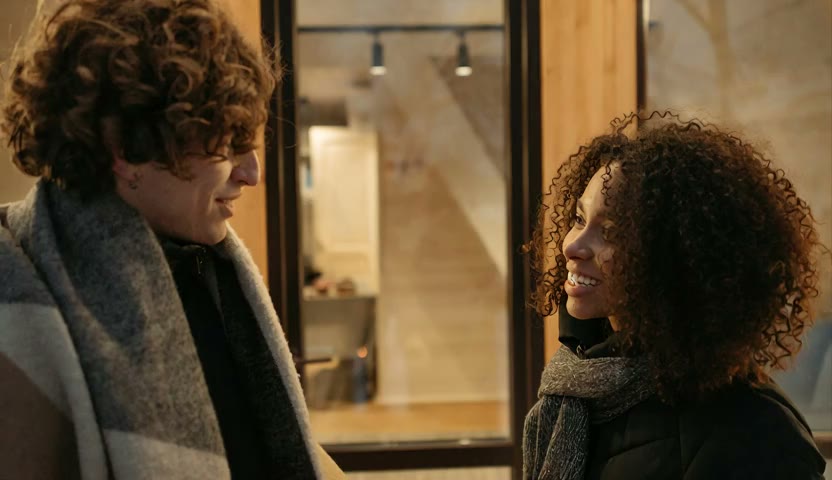
Keep the Same Character Through the Shot

Keep your person, avatar, or stylized character more consistent as the shot moves. Use the reference platform to preserve the subject’s visual identity across motion, angle changes, and camera movement, so character-driven videos feel more stable and easier to refine.

Explore Models & Settings
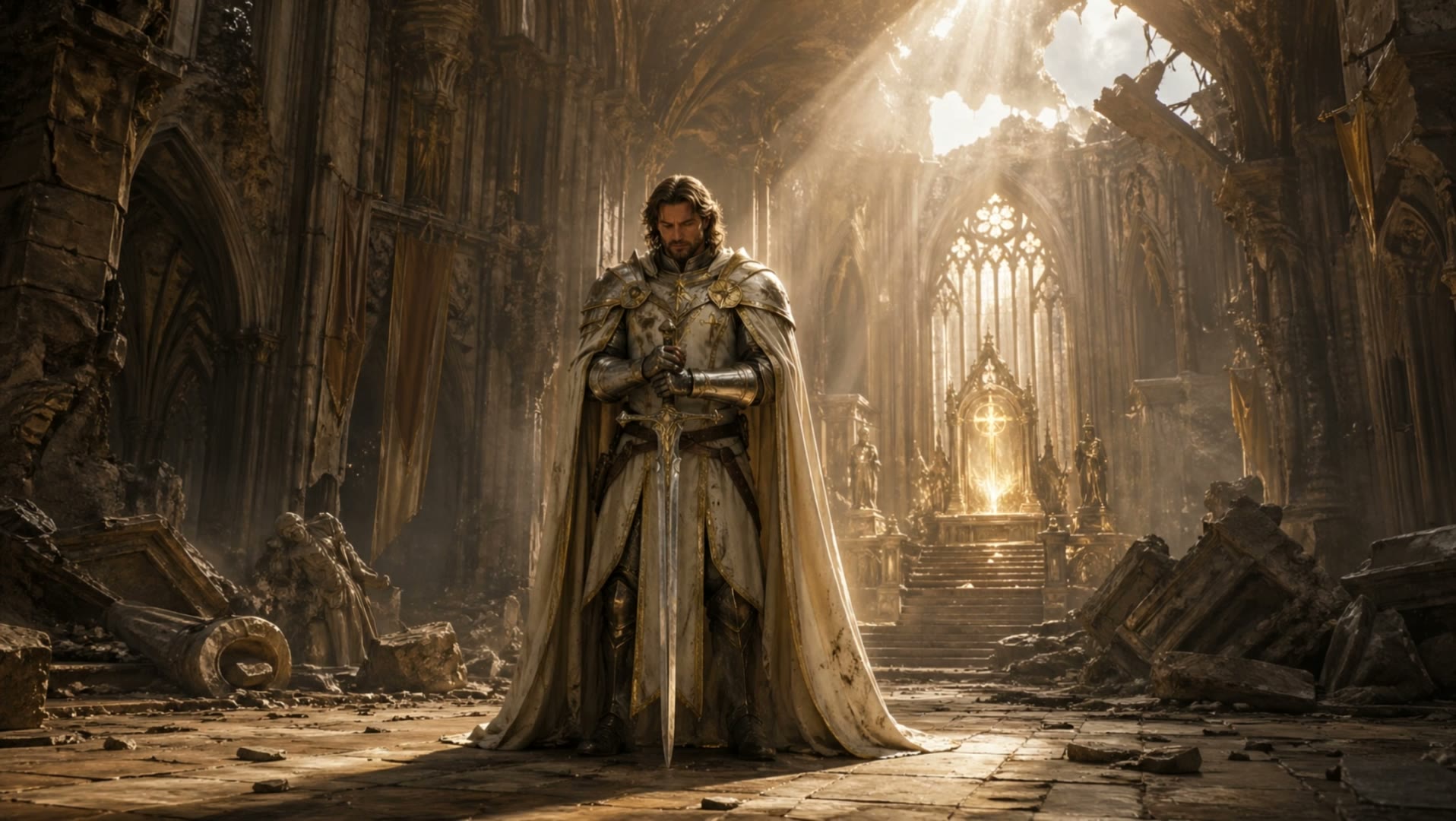
Try Multiple AI Video Models in One Place

Stop switching between different AI video tools. With the reference platform, you can try multiple video models in one place, compare the results, and choose the video you like best.

Grok Imagine

Fast Creative Generation

Happy Horse 1.0

Cinematic Multi-Reference Video

Seedance 2.0 Fast

Fast Multimodal Creation

Wan 2.6

Story Flow & Character Continuity

Kling 3.0

Director-Level Control

Lanta 2.1

Fast & Cost-Efficient Creation

How to Make AI Videos on the reference platform

Explore Models & Settings
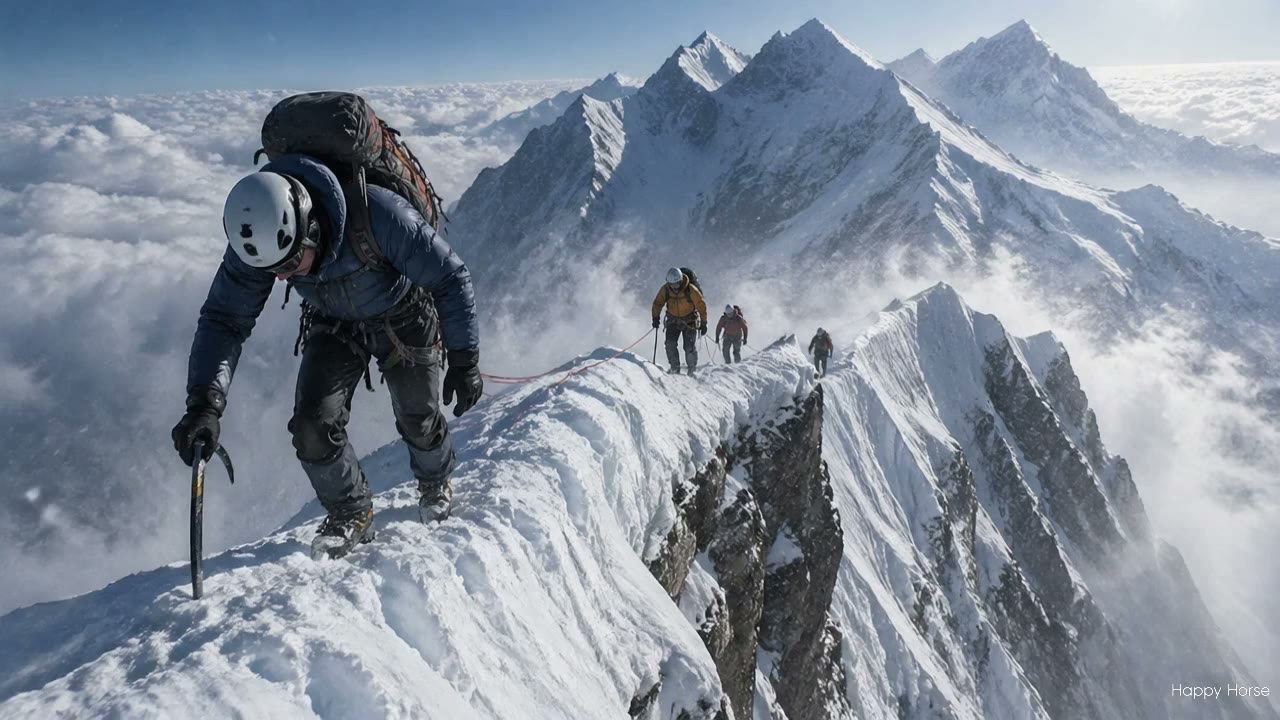
Popular Ways to Use an AI Video Generator

Social Media

Make scroll-stopping clips for TikTok, Reels, Shorts, memes, fan edits, and quick content tests. Start with a prompt, portrait, product image, or character idea, then see how it works as a short video before you spend time editing.

Explore Models & Settings
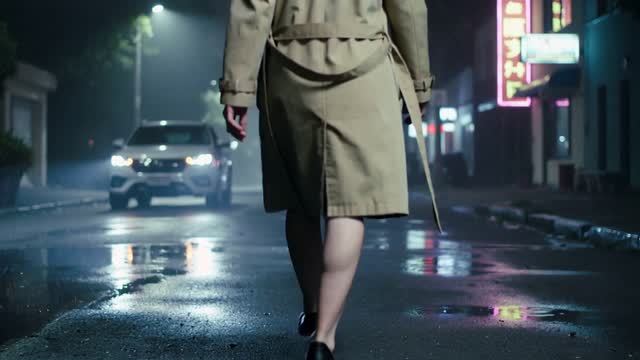
Explore More AI Video Tools

AI Image to Video

Animate still images into short video scenes with motion, atmosphere, and camera movement.

Video to Animation Converter

Turn real footage into stylized animated visuals with faster iteration for creative concepts.

Character Animation

Bring stylized characters and avatars into motion from prompts or reference visuals.

AI Lip Sync Video Generator

Create speaking or singing character videos with synced mouth motion and performance-driven visuals.

AI Kissing Video Generator

Create AI kissing videos from one couple photo or two portraits with romantic motion and natural expression.

AI Hug Video Generator

Turn photos into warm AI hug videos for family memories, friendship moments, and emotional short clips.

AI Video Generation Reviews and Guides

Kling 3.0 Review: Better Control for AI Video Generation

Guide page not available yet

HappyHorse 1.0 Review: Can It Reduce Failed AI Videos?

Guide page not available yet

Kling AI in 2026: A Creator's Guide to More Realistic AI Video

Guide page not available yet

Text to Video Artificial Intelligence: How It Works

Guide page not available yet

AI Video Maker FAQs

Explore AI Video Settings

Explore model information, local files and creative settings. Generation is not available yet; existing AI Makeup features remain available.

Explore Models & Settings
Features

AI Video GeneratorAI DanceAI Image GeneratorToolsImage to VideoText to VideoVideo to VideoAI MakeupLip SyncVideo to Ghibli StyleImage to Ghibli StyleImage EffectsVideo Effects

Video Effects

AI Kissing Video GeneratorAI French Kiss Video GeneratorAI Hug Video GeneratorAI Muscle VideoEarth Zoom Out

AI Guides & Learning

AI Creation GuidesAI Image to Video GuideAI Image Creation GuideBlog

Models

Video ModelsImage ModelsSeedance 2.0Happy Horse 1.0Kling 3.0Kling AIGrok ImagineSora 2Wan 2.2Veo 3GPT Image 2Nano Banana Pro

About & Trust

Sign inAbout FrameKoiRefund PolicyPrivacy NoticeTerms of ServiceContent Moderation PolicyCookiesDMCA
FrameKoi

Your ideas. A wink away.

Copyright © 2026 FrameKoi
FrameKoi
Sign in
FrameKoi
Sign in