FrameKoi
Sign in
HomeCommunityMy Creations

AI Video

AI Video GeneratorVideo EffectsAI DanceNew

AI Image

AI Image GeneratorImage Effects

Featured

HappyHorse 1.0Seedance 2.0GPT ImageAI MakeupImage StylerLip SyncAI Age Progression
Live & part try-onLive Try-OnLipstickFoundationBlushEyeshadowEyelinerMascaraBrowsContourHighlight
Pricing
Home›AI Image Models›GPT Image 2

GPT Image 2 AI Image Generator

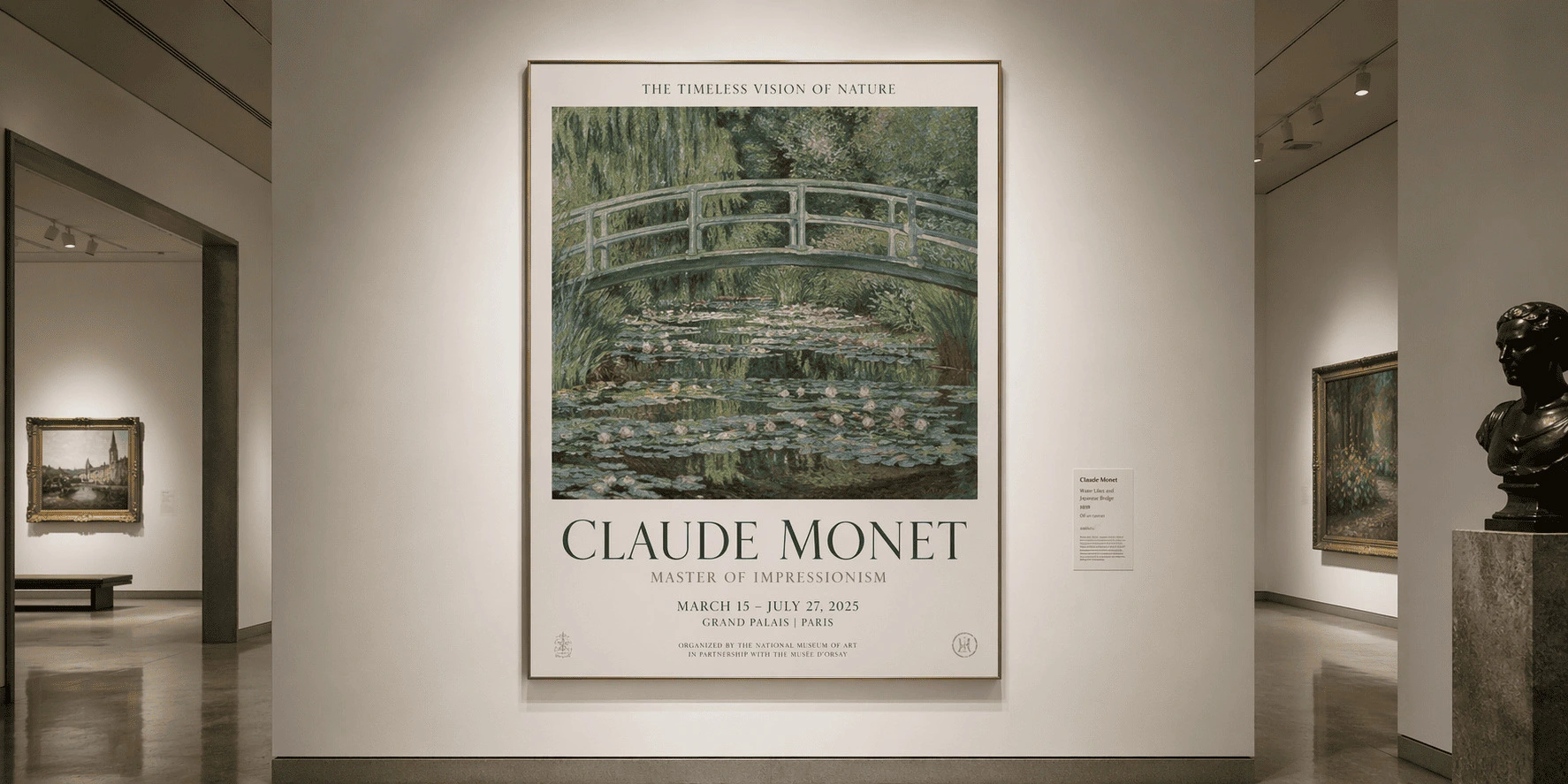
Explore public GPT Image 2 examples for posters, UI concepts, manga and campaign visuals. Preview reference settings and local files; site image availability is shown in the panel.

Preparing local parameter preview…

Features

AI Video GeneratorAI DanceAI Image GeneratorToolsImage to VideoText to VideoVideo to VideoAI MakeupLip SyncVideo to Ghibli StyleImage to Ghibli StyleImage EffectsVideo Effects

Video Effects

AI Kissing Video GeneratorAI French Kiss Video GeneratorAI Hug Video GeneratorAI Muscle VideoEarth Zoom Out

AI Guides & Learning

AI Creation GuidesAI Image to Video GuideAI Image Creation GuideBlog

Models

Video ModelsImage ModelsSeedance 2.0Happy Horse 1.0Kling 3.0Kling AIGrok ImagineSora 2Wan 2.2Veo 3GPT Image 2Nano Banana Pro

About & Trust

Sign inAbout FrameKoiRefund PolicyPrivacy NoticeTerms of ServiceContent Moderation PolicyCookiesDMCA
FrameKoi

Your ideas. A wink away.

Copyright © 2026 FrameKoi
FrameKoi
Sign in
HomeCommunityMy Creations

AI Video

AI Video GeneratorVideo EffectsAI DanceNew

AI Image

AI Image GeneratorImage Effects

Featured

HappyHorse 1.0Seedance 2.0GPT ImageAI MakeupImage StylerLip SyncAI Age Progression
Live & part try-onLive Try-OnLipstickFoundationBlushEyeshadowEyelinerMascaraBrowsContourHighlight
Pricing
Home›AI Image Models›GPT Image 2

GPT Image 2 AI Image Generator

Explore public GPT Image 2 examples for posters, UI concepts, manga and campaign visuals. Preview reference settings and local files; site image availability is shown in the panel.

GPT Image 2 AI Image Generator

Current form model: GPT Image 2

Reference Images0/8
Files are previewed locally first and uploaded only after consent when requesting a site quote. image/*
Ratio
Generation settings · GPT Image 2 (gpt-image-2)

1k · 2:3 · 1 image · JPEG/PNG/WebP up to 8 MiB. These settings are separate from the reference settings above; enhancement and additional images are not supported.

Checking your account…

Generation is currently unavailable.

My Creations

Public reference showcases, separate from project generations and account creations.

Public reference example
Download public example
Public reference example
Download public example
Public reference example
Download public example
Public reference example
Download public example
Public reference example
Download public example
Public reference example
Download public example

Create Images for Real Projects

GPT Image 2 helps you turn ideas into usable visuals for work, content, and creative production. Make product photos, ads, posters, social posts, UI mockups, infographics, characters, and story scenes with clearer typography and more dependable layouts.

External model information and public reference examples. These are not project generations, verified project capabilities, or user creations. Generation is not connected.

Photography and Photorealism

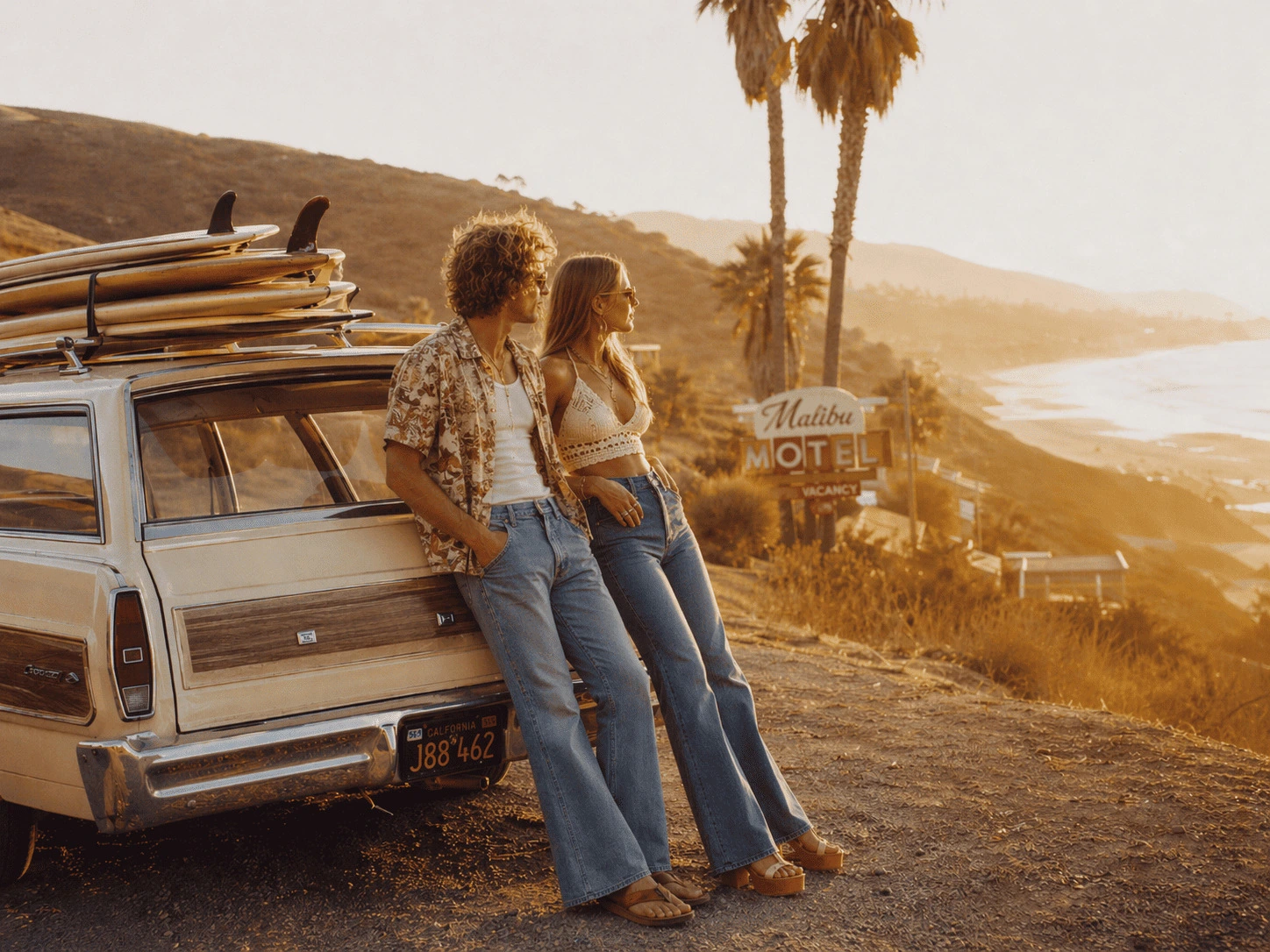
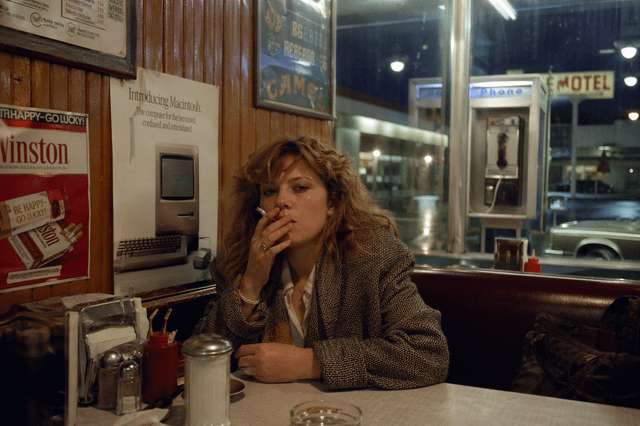
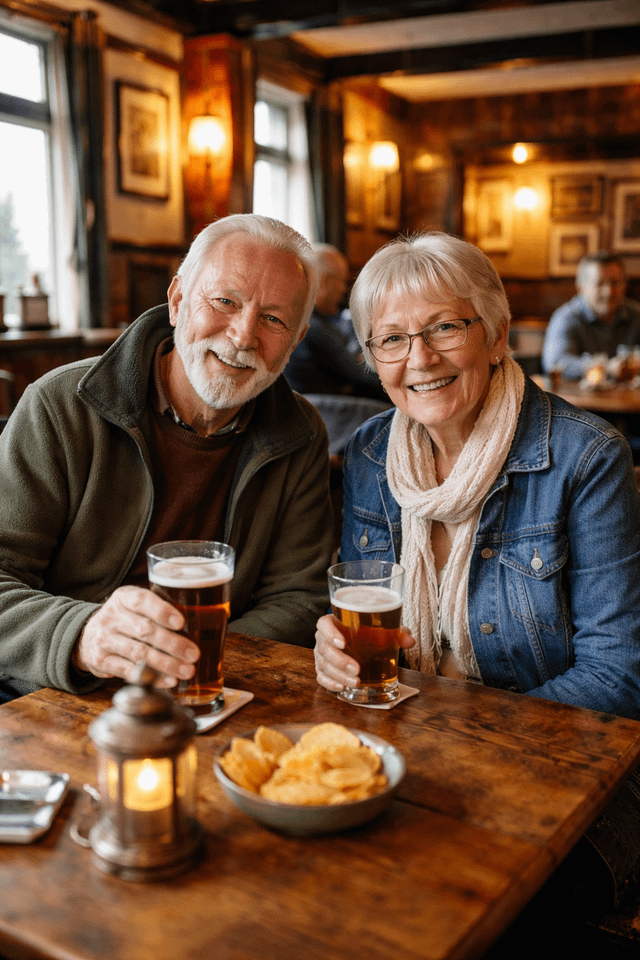
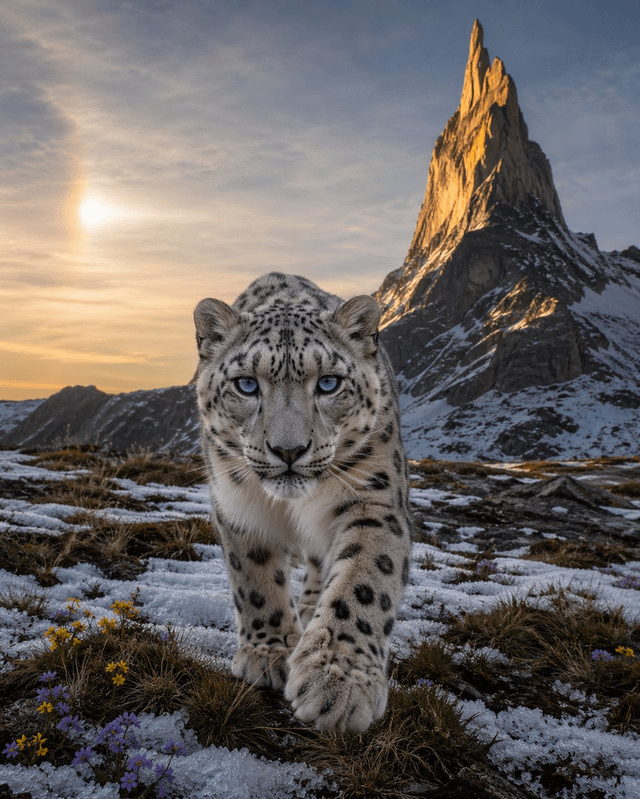
Create images that feel closer to real photography, with natural light, believable texture, and cleaner visual detail. It works well for product shots, portraits, lifestyle imagery, and cinematic scenes that need a polished finish.

Explore Models & Settings

It does not just understand your prompt. It makes the idea usable.

Better text rendering for complex visual content

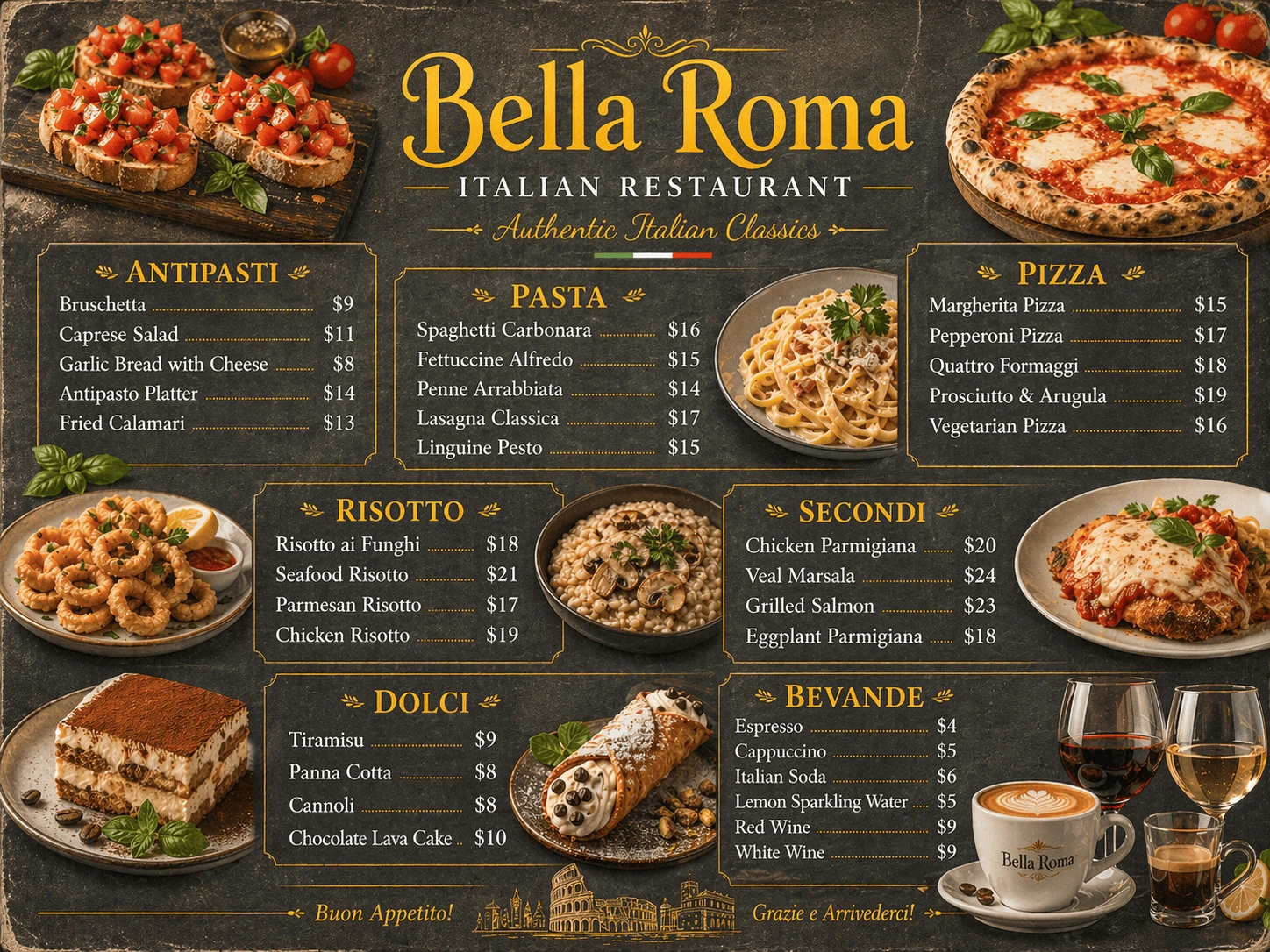
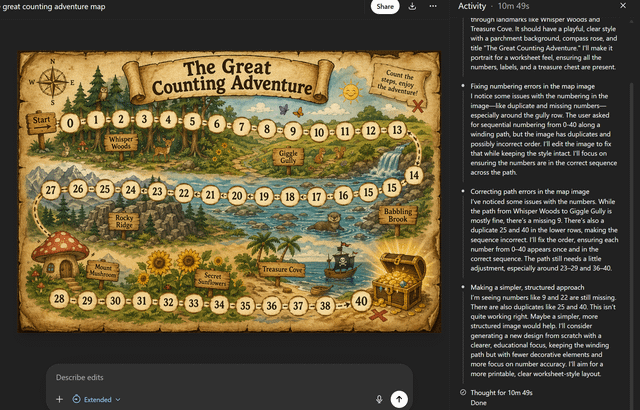
GPT Image 2 is much better at handling text-heavy designs and small layout details. Earlier image models could make attractive pictures, but they often broke on poster headlines, product labels, infographic annotations, or multilingual copy. That changes the workflow. GPT Image 2 can render fine print, icons, UI controls, and dense composition details more reliably, which makes it more practical for posters, ads, comics, diagrams, menus, and educational visuals.

Explore Models & Settings

One idea, adapted to different formats

Start from one creative direction and adapt it to the format you actually need. GPT Image 2 supports aspect ratios from 3:1 to 1:3, so it is easier to create wide website banners, vertical posters, social graphics, presentation covers, and mobile-first layouts from the same concept. Instead of rebuilding the image for every channel, you can keep the core idea and specify the format in the prompt. Ask for a wide banner, a tall poster, or a screen-ready composition, and the model can respond with a layout that fits the job.

Explore Models & Settings

The real upgrade is prompt understanding

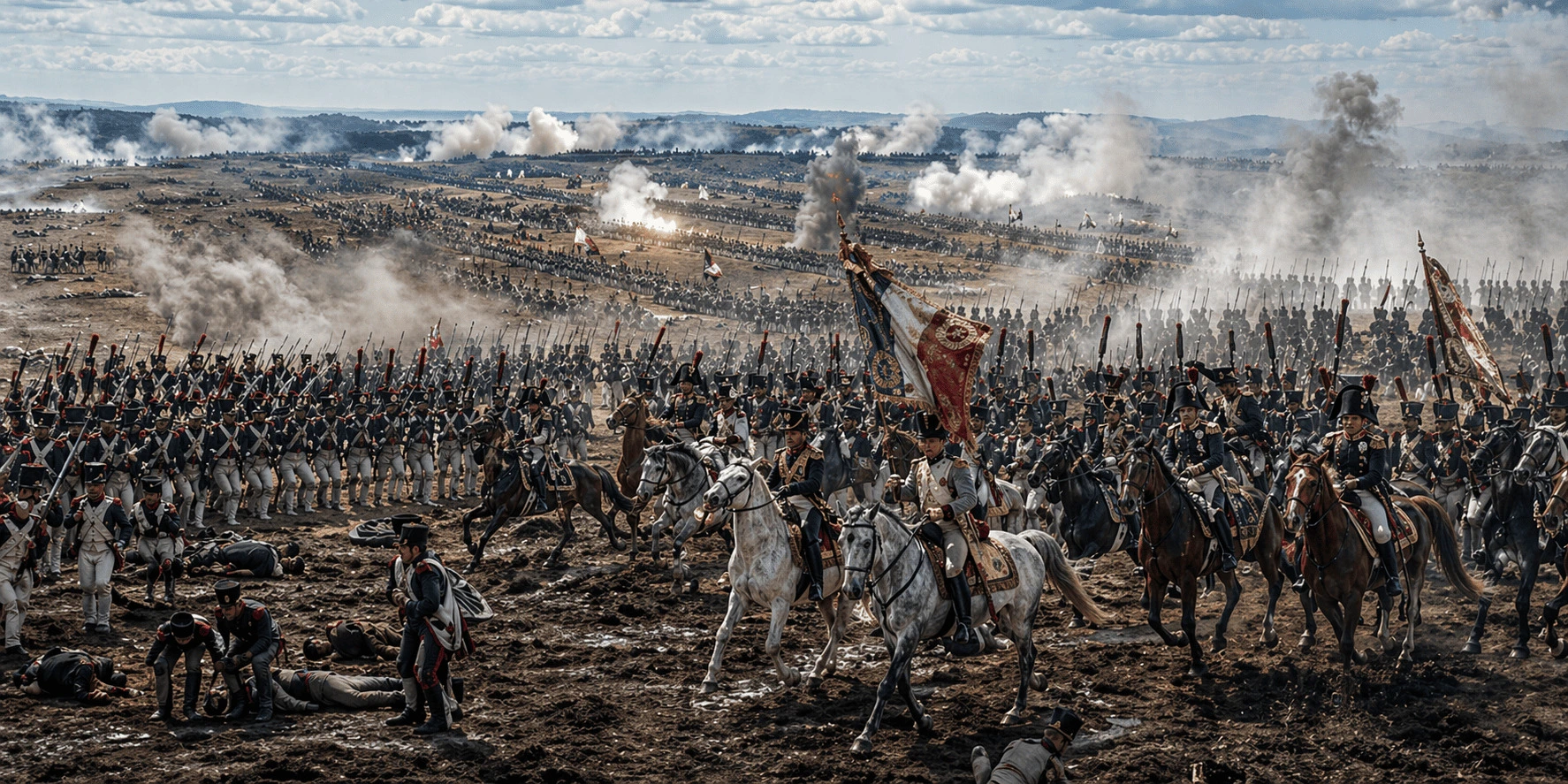
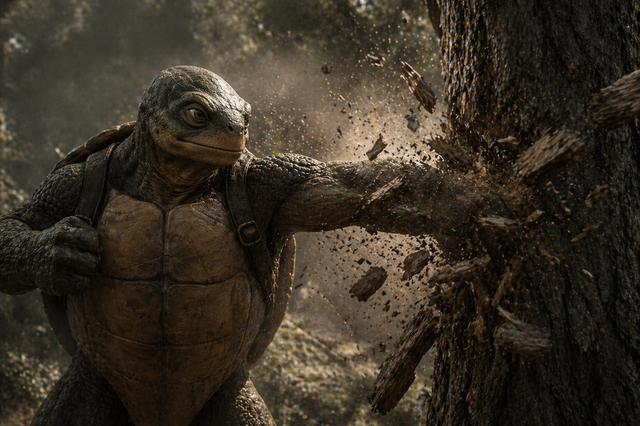
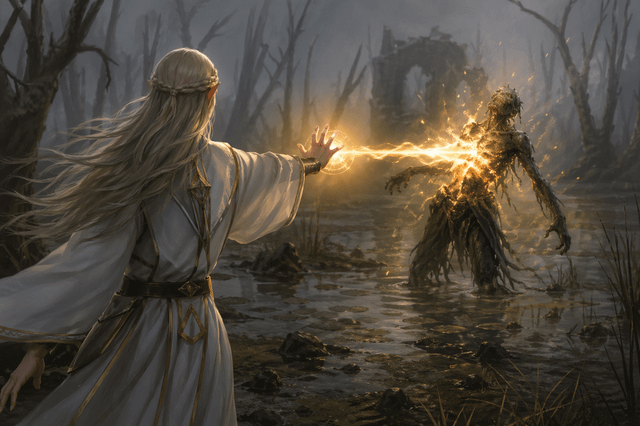
GPT Image 2 is not only about making images look more realistic. Its bigger upgrade is how closely it follows what you are actually asking for. It reads visual intent better, understands style instructions more deeply, and gets closer to the image you pictured before you generated it. That matters across photography, illustration, comics, pixel art, cinematic scenes, and other stylized formats. It keeps texture, lighting, structure, and detail more consistent, so the result feels more faithful to the original concept rather than just more polished.

Explore Models & Settings

Follow detailed instructions and preserve what matters

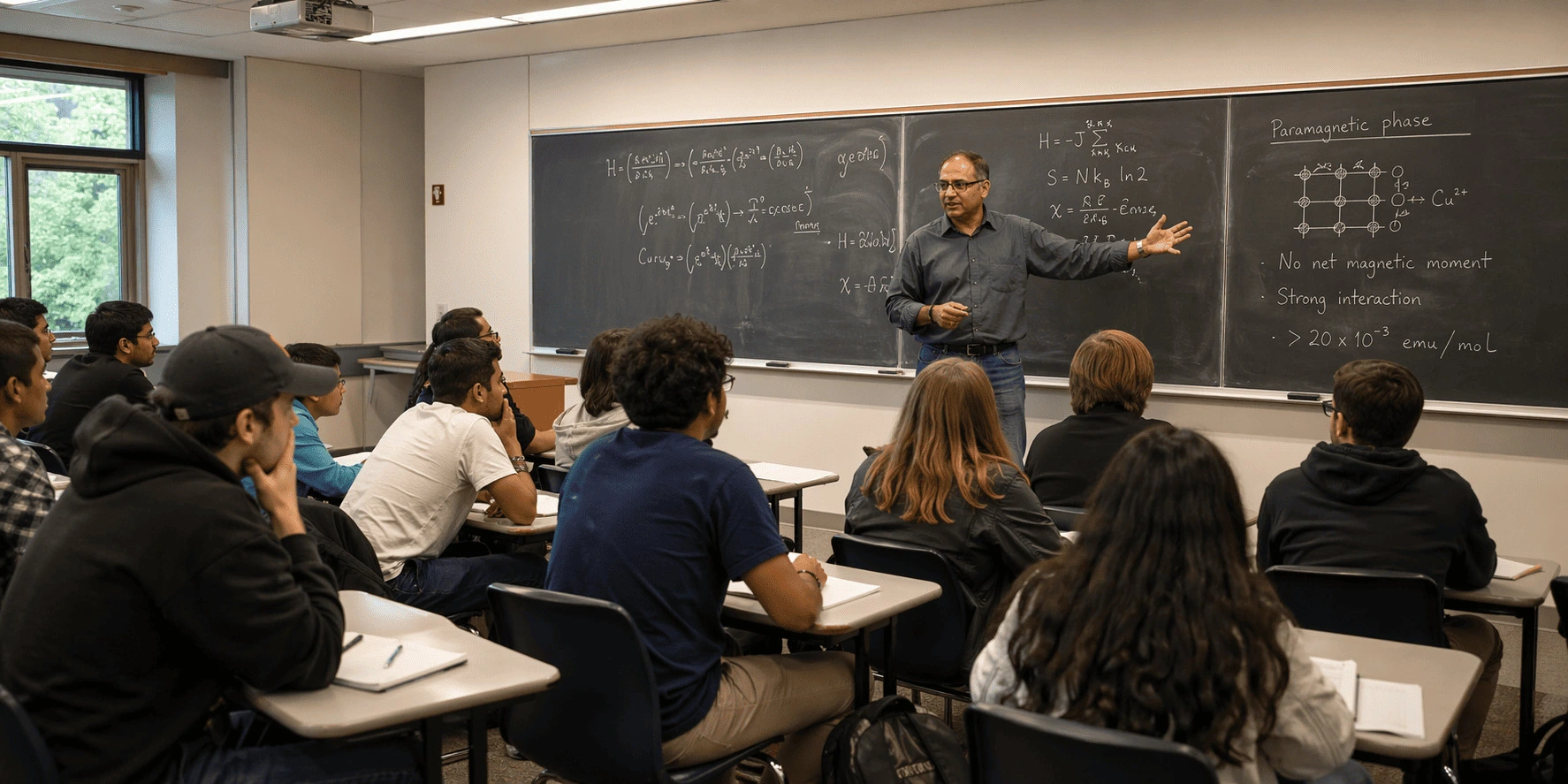
One of the clearest improvements in GPT Image 2 is how it handles dense prompts with many constraints. It does not stop at the broad concept. It can track more specific instructions about objects, placement, copy, composition, and visual relationships inside the frame. When you explicitly say that a detail must stay the same, GPT Image 2 is more reliable about keeping it in place. It can help you: That makes image edits and multi-version creative work feel more consistent from one generation to the next.

  • Keep a logo intact
  • Maintain a specific color
  • Preserve a character hairstyle or outfit
  • Retain part of a product structure
Explore Models & Settings

Understand GPT Image 1.5 and 2.0 in One Table

See how GPT Image 2 improves prompt following, text rendering, style control, and production-ready visual output.

External model information and public reference examples. These are not project generations, verified project capabilities, or user creations. Generation is not connected.

Comparison PointGPT Image 1.5GPT Image 2.0
Prompt followingGood at understanding the overall direction and staying close to the core idea.Follows more detailed instructions for text placement, object relationships, format, and design style.
Image editingUseful for editing existing images while trying to preserve faces, products, logos, or backgrounds.Can edit images too, but stands out more when building complete visual assets.
Text in imagesCan handle short text, but small, long, or dense copy still breaks easily.Better suited to posters, labels, UI copy, infographics, menus, and comics.
Multilingual textMore stable with English and other Latin-script languages.Stronger with non-Latin scripts such as Chinese, Japanese, Korean, Hindi, and Bengali.
Format flexibilityReliable for common image formats.Adapts better to posters, mobile screens, social crops, and presentation layouts.
Style controlProduces stable realistic images compared with earlier models.Handles a broader range of looks, including photography, cinematic stills, pixel art, and manga.
Character consistencyWorks for simple character images, but identities may drift across variations.Does a better job keeping characters recognizable across angles and iterations.
RealismCreates realistic images with dependable output.Adds more natural lighting, material texture, minor imperfections, and small real-world details.
Complex scenesWorks best with simpler compositions.Handles denser scenes with more objects, layout logic, and embedded text.
Local editsStrong for broad edits while preserving the key structure of an image.Useful for edits too, but tiny local changes may still need retries.

Prompt Ideas for GPT Image 2

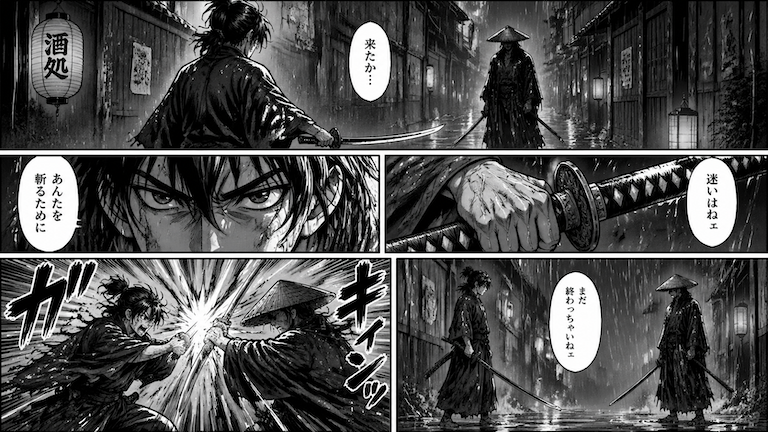
Black-and-White Manga Page

Create a professional black-and-white serialized manga page. Use 5 panels to tell a tense scene in a rainy city alley: Panel 1: A wide establishing shot of a young swordsman facing a mysterious enemy. Panel 2: A close-up of the swordsman's serious eyes. Panel 3: A close-up of his hand gripping the sword. Panel 4: A sudden clash with dramatic speed lines and strong impact. Panel 5: A suspenseful final panel showing both fighters standing still after the strike. Style: Bold ink linework, screentone shading, high-contrast black and white, dynamic panel composition, dramatic close-ups, expressive faces, authentic weekly manga aesthetics. Constraints: Keep the character design consistent across all panels. No color, no watermark, no extra text outside speech bubbles or sound effects.

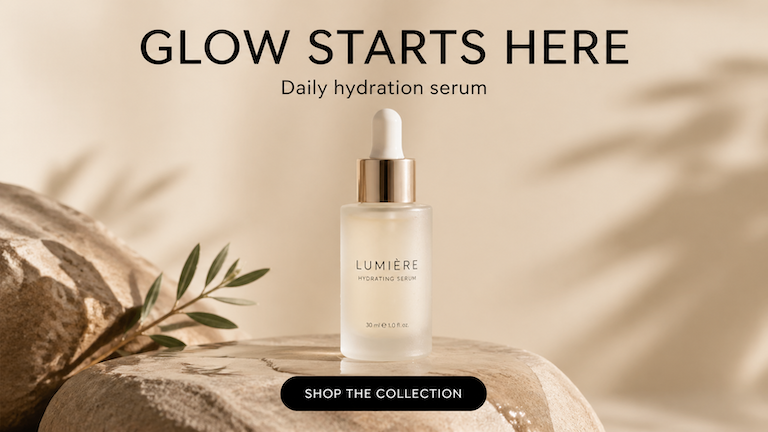
Product Ad Poster

Create a premium vertical product advertisement poster for a minimalist skincare serum. Main product: A frosted glass serum bottle standing on a smooth stone surface, with soft reflections and subtle water droplets. Visual style: Clean luxury skincare photography, warm beige background, soft studio lighting, elegant shadows, high-end editorial composition, generous negative space. Text: Headline at the top: "GLOW STARTS HERE" Small subheading below: "Daily hydration serum" Bottom CTA: "SHOP THE COLLECTION" Typography: Modern sans-serif, clean kerning, black text, centered, highly readable. Constraints: Render the text exactly as written. No extra words. No duplicate text. No watermark. Keep the bottle label clean and realistic.

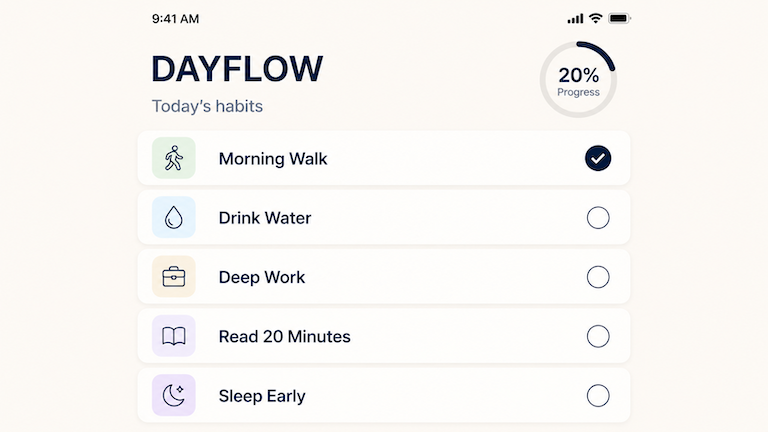
Mobile App UI Screenshot

Create a high-fidelity mobile app screenshot for a minimalist habit tracker app called "DAYFLOW". Screen: Portrait mobile app home screen. Layout: Top status bar shows 9:41 AM. Header title: "DAYFLOW" Subtitle: "Today's habits" Main area shows 5 habit cards: - Morning Walk - Drink Water - Deep Work - Read 20 Minutes - Sleep Early One habit is checked off. Include a small progress ring showing 20%. Visual style: Clean iOS-style interface, soft cream background, rounded cards, deep navy accent color, simple icons, generous spacing, realistic mobile UI hierarchy. Constraints: All text must be readable. No watermark. No real app branding. No messy icons.

External Model Discussions (Public Sources)

Reddit · Public source summary

GPT-Image-2 now reviews its own output before finishing

This user noted that the image took around eleven minutes because the model kept reviewing and iterating on its own result multiple times.

View original discussion ↗
Reddit · Public source summary

The range of styles feels unusually broad

The takeaway here was simple: after experimenting with the model, the user felt it could handle a surprisingly wide variety of looks and outputs.

View original discussion ↗
Reddit · Public source summary

This feels like a real upgrade, not a minor refresh

The post frames GPT Image 2 as a more noticeable jump, with improvements strong enough to stand out immediately during testing.

View original discussion ↗
Reddit · Public source summary

Preview examples showed stronger text and layout quality

Users highlighted the preview as an early sign that the model was becoming more useful for finished visuals instead of just rough concept art.

View original discussion ↗
Reddit · Public source summary

The official launch widened access to a state-of-the-art model

This reaction focused less on surprise and more on availability: more people could now test a stronger image model directly.

View original discussion ↗
Reddit · Public source summary

Image-to-image still needs retries in some cases

Not every reaction was fully positive. This post points out that reference-based edits can still be inconsistent, especially when exact character preservation matters.

View original discussion ↗

GPT Image 2 FAQs

Create with GPT Image 2

Explore model information, local files and creative settings. Generation is not available yet; existing AI Makeup features remain available.

Explore Models & Settings

Features

AI Video GeneratorAI DanceAI Image GeneratorToolsImage to VideoText to VideoVideo to VideoAI MakeupLip SyncVideo to Ghibli StyleImage to Ghibli StyleImage EffectsVideo Effects

Video Effects

AI Kissing Video GeneratorAI French Kiss Video GeneratorAI Hug Video GeneratorAI Muscle VideoEarth Zoom Out

AI Guides & Learning

AI Creation GuidesAI Image to Video GuideAI Image Creation GuideBlog

Models

Video ModelsImage ModelsSeedance 2.0Happy Horse 1.0Kling 3.0Kling AIGrok ImagineSora 2Wan 2.2Veo 3GPT Image 2Nano Banana Pro

About & Trust

Sign inAbout FrameKoiRefund PolicyPrivacy NoticeTerms of ServiceContent Moderation PolicyCookiesDMCA
FrameKoi

Your ideas. A wink away.

Copyright © 2026 FrameKoi
FrameKoi
Sign in
FrameKoi
Sign in